

Featured Page
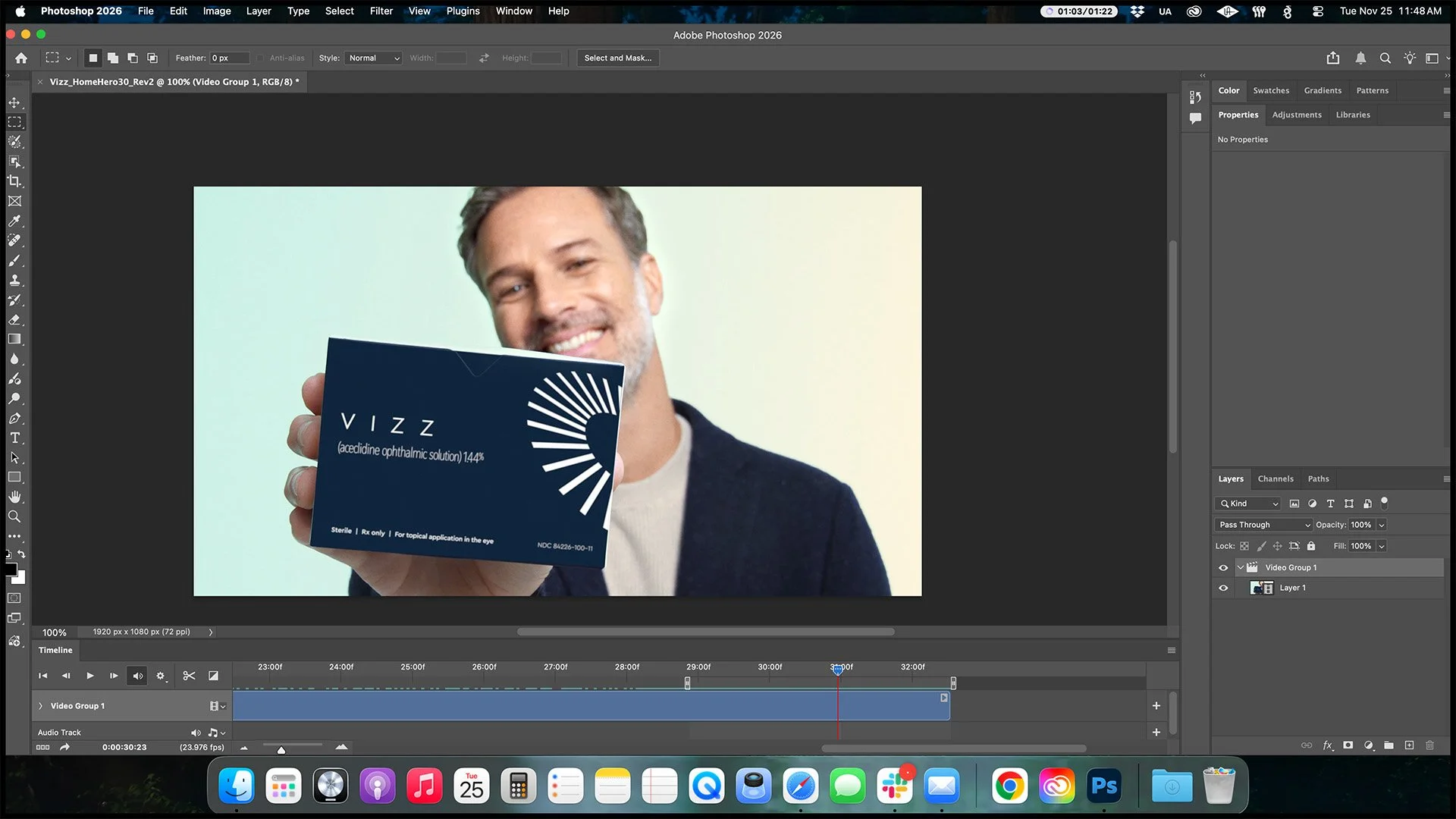
1. Load a high quality MP4 into photoshop. In the timeline window, select ~3 seconds of time.
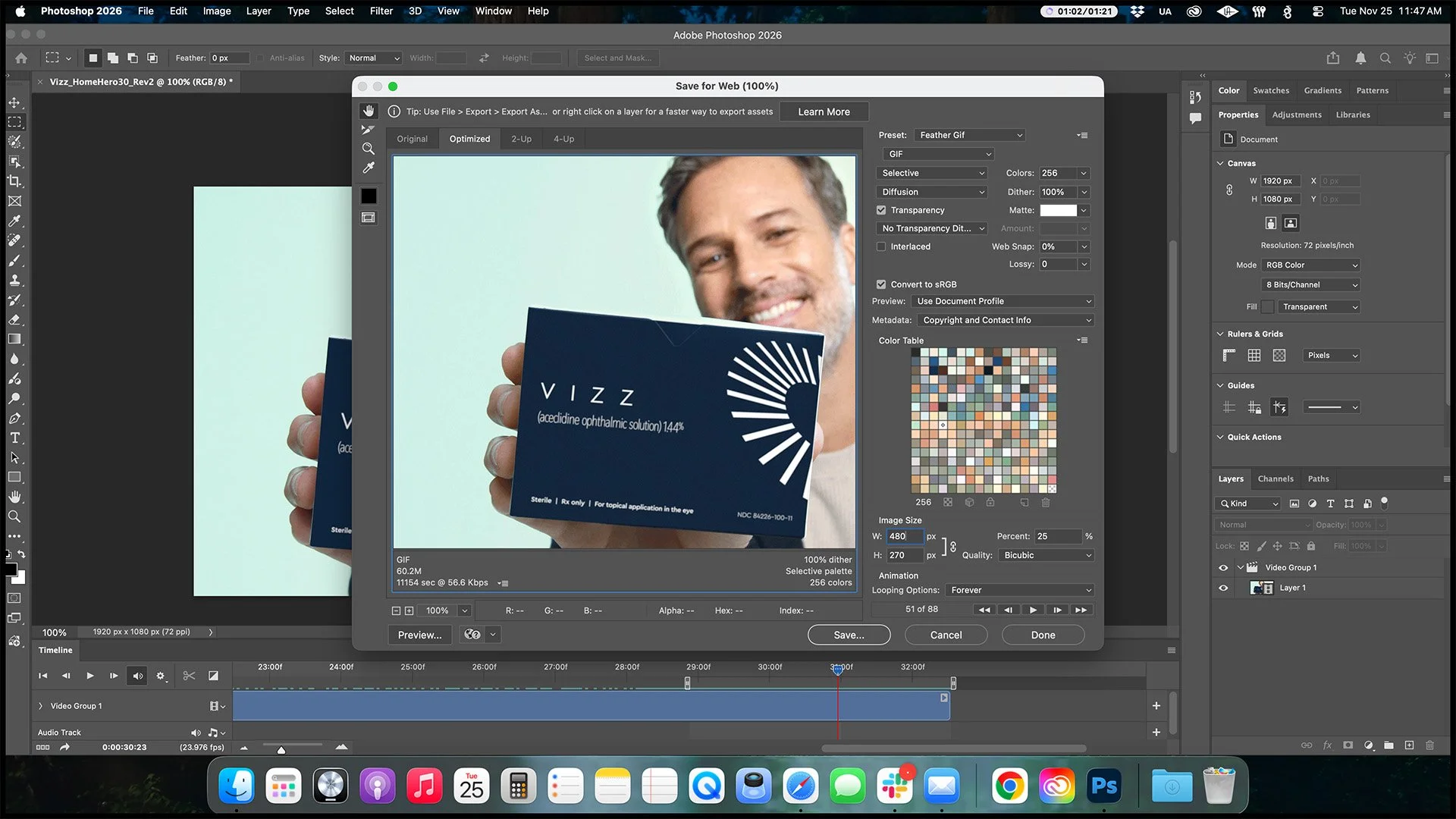
2. Export using standard Feather settings but set dimensions to 25%. Largest number be 480.
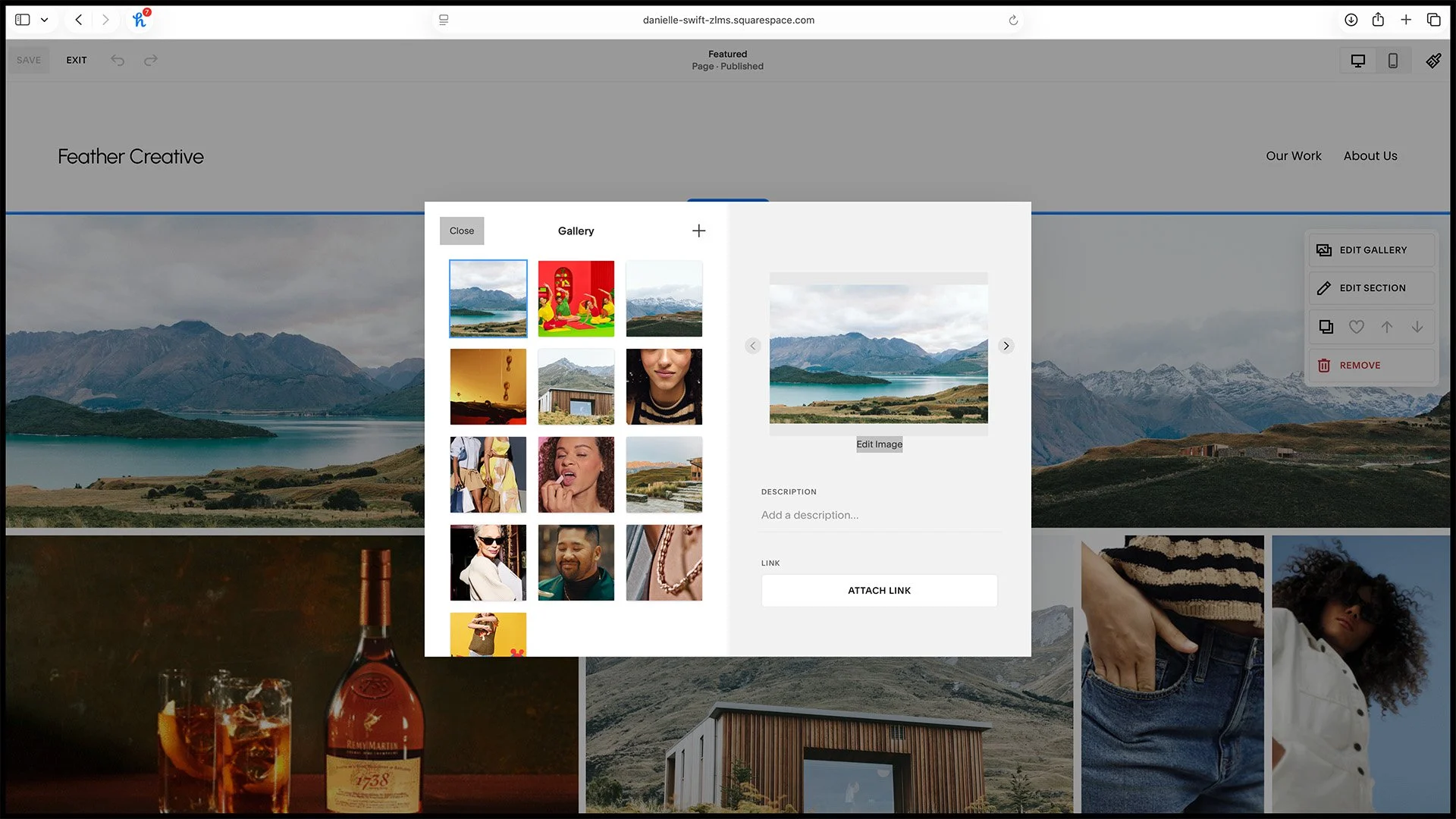
3. Add new items (stills or gif).
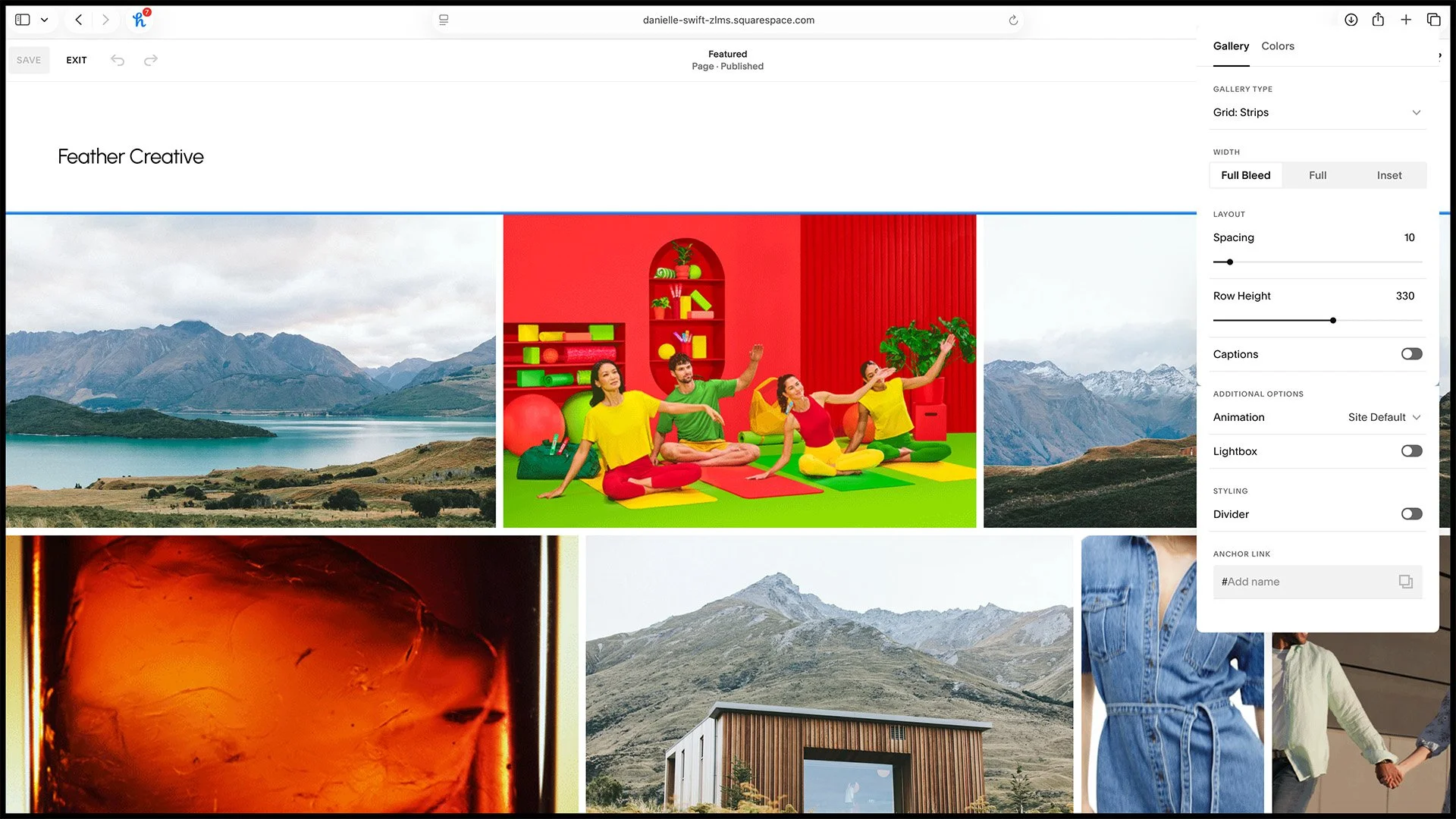
4. Feature page settings (no need to adjust, reference only).
Adding A Portfolio
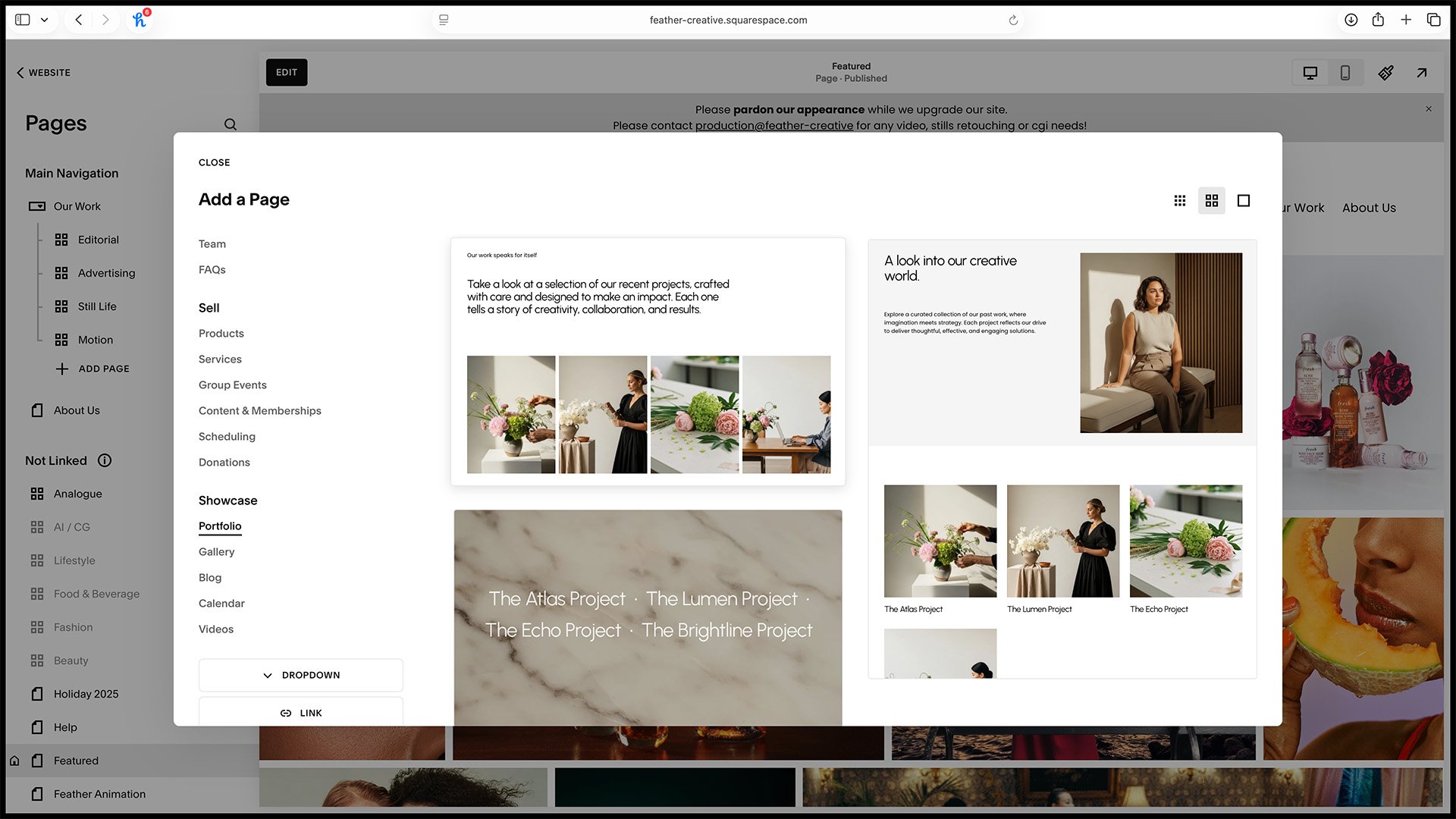
1. Create a new portfolio and pick the first one.
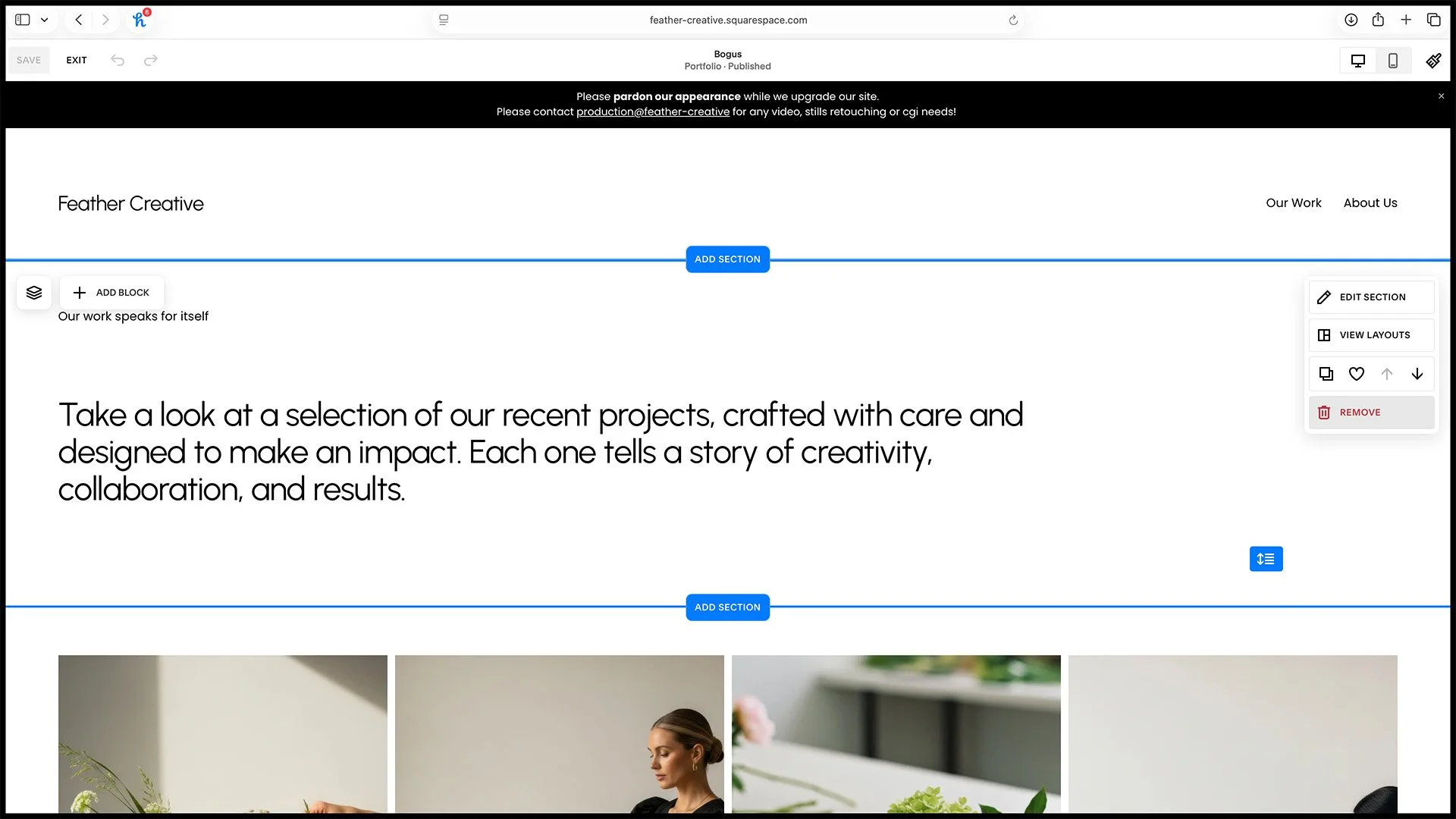
2. Delete the unneeded text section.
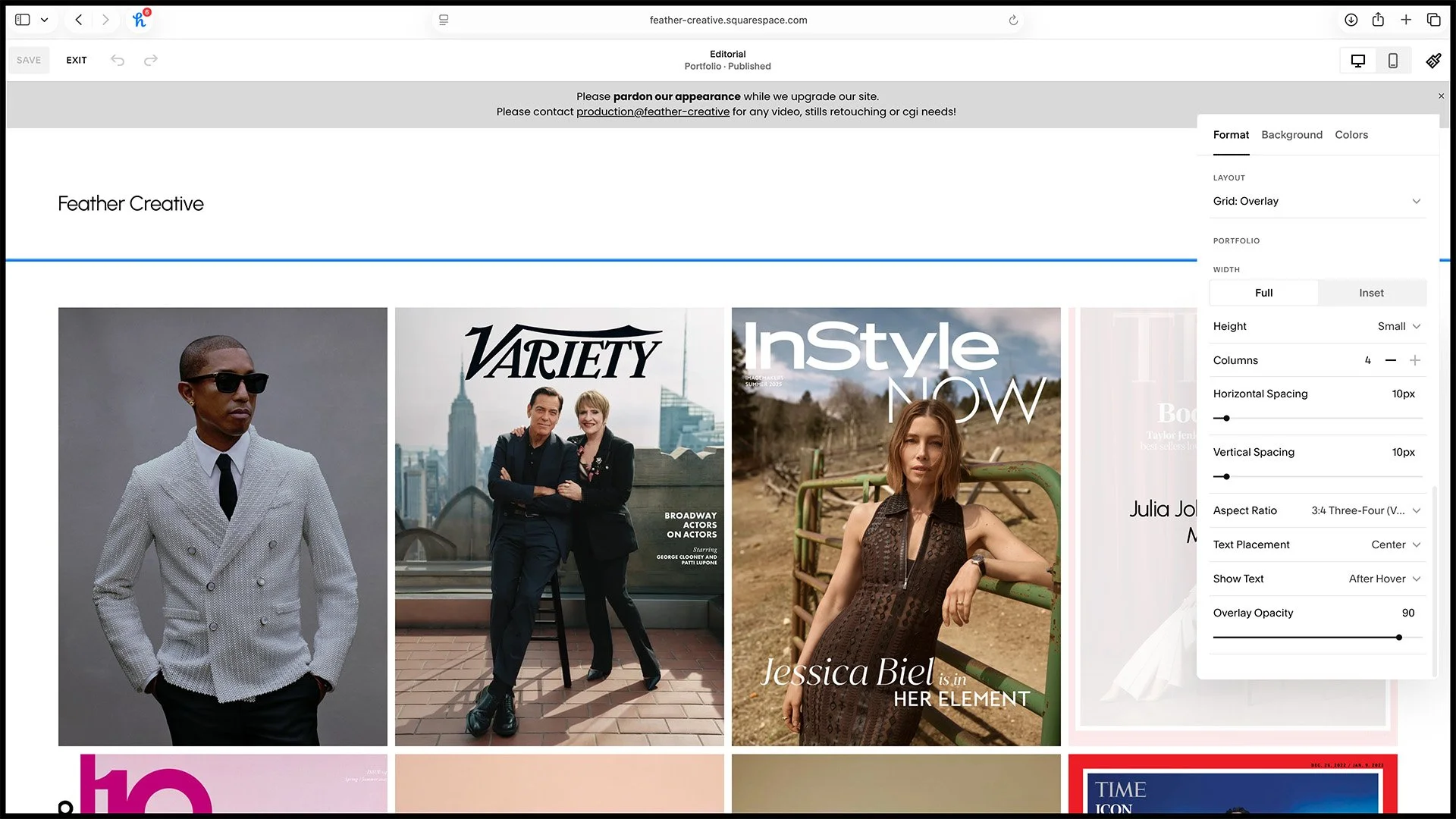
3. Alter the gallery to have these attributes.
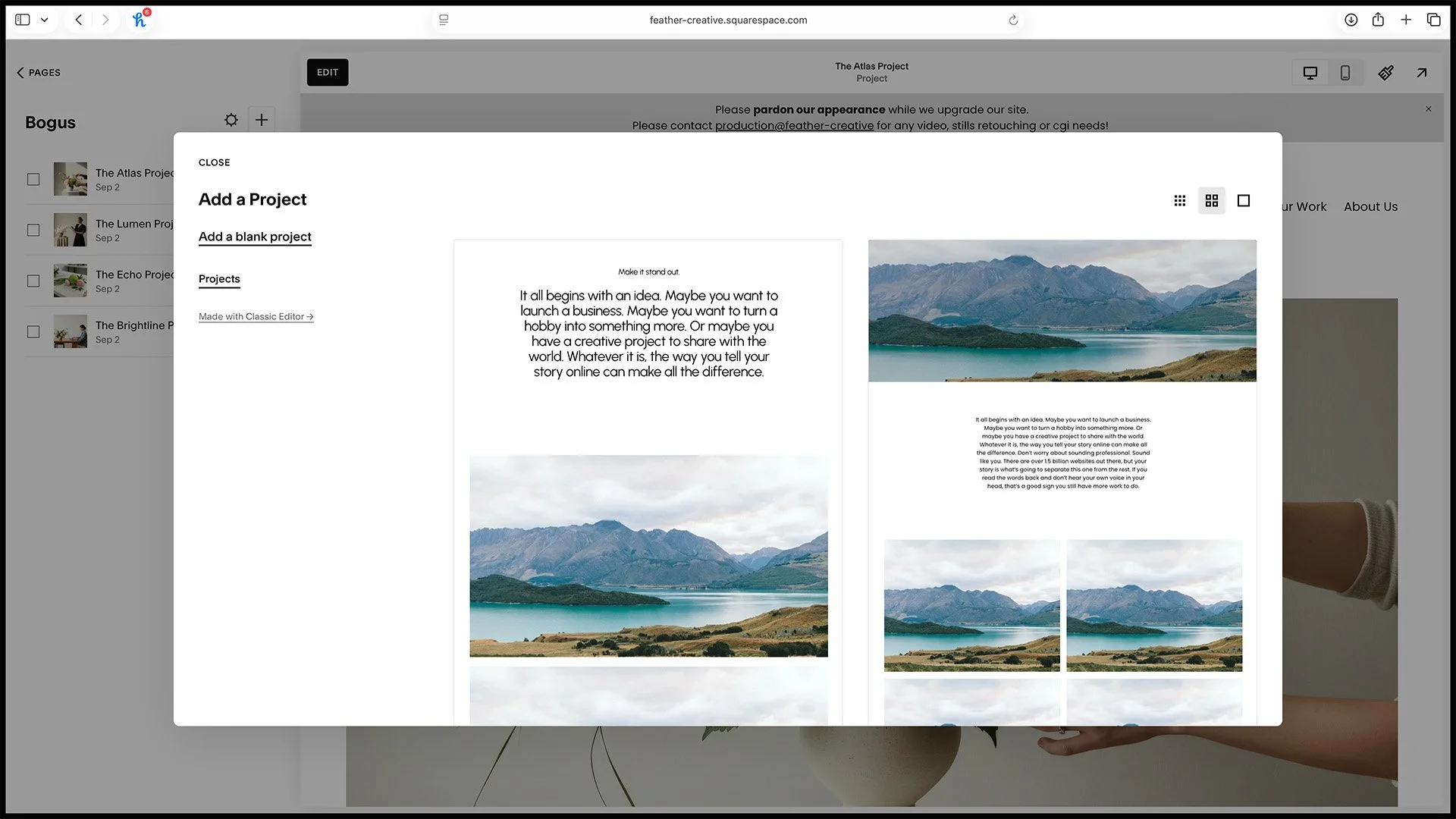
4. Add a new black project.
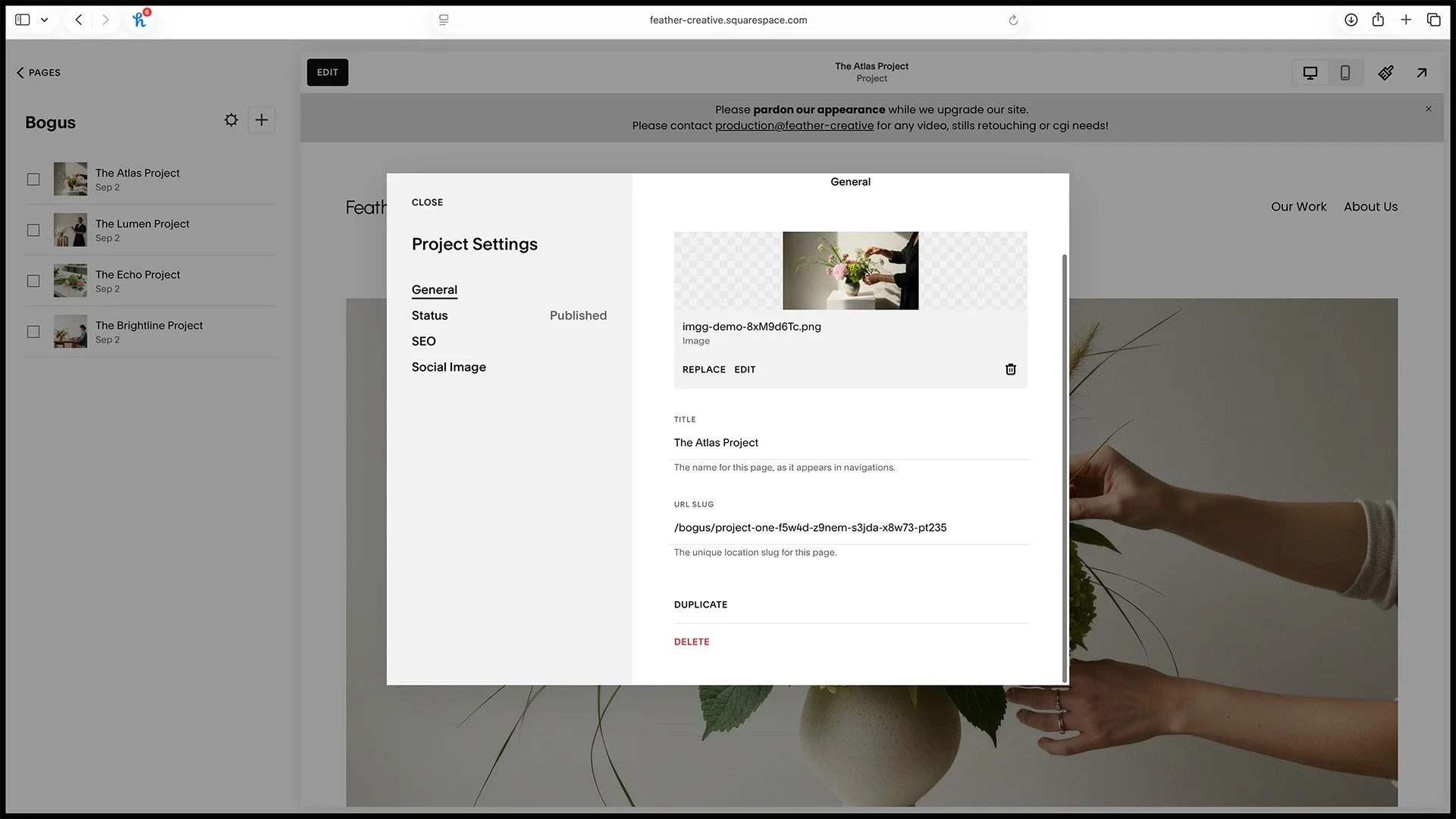
5. Name the project.
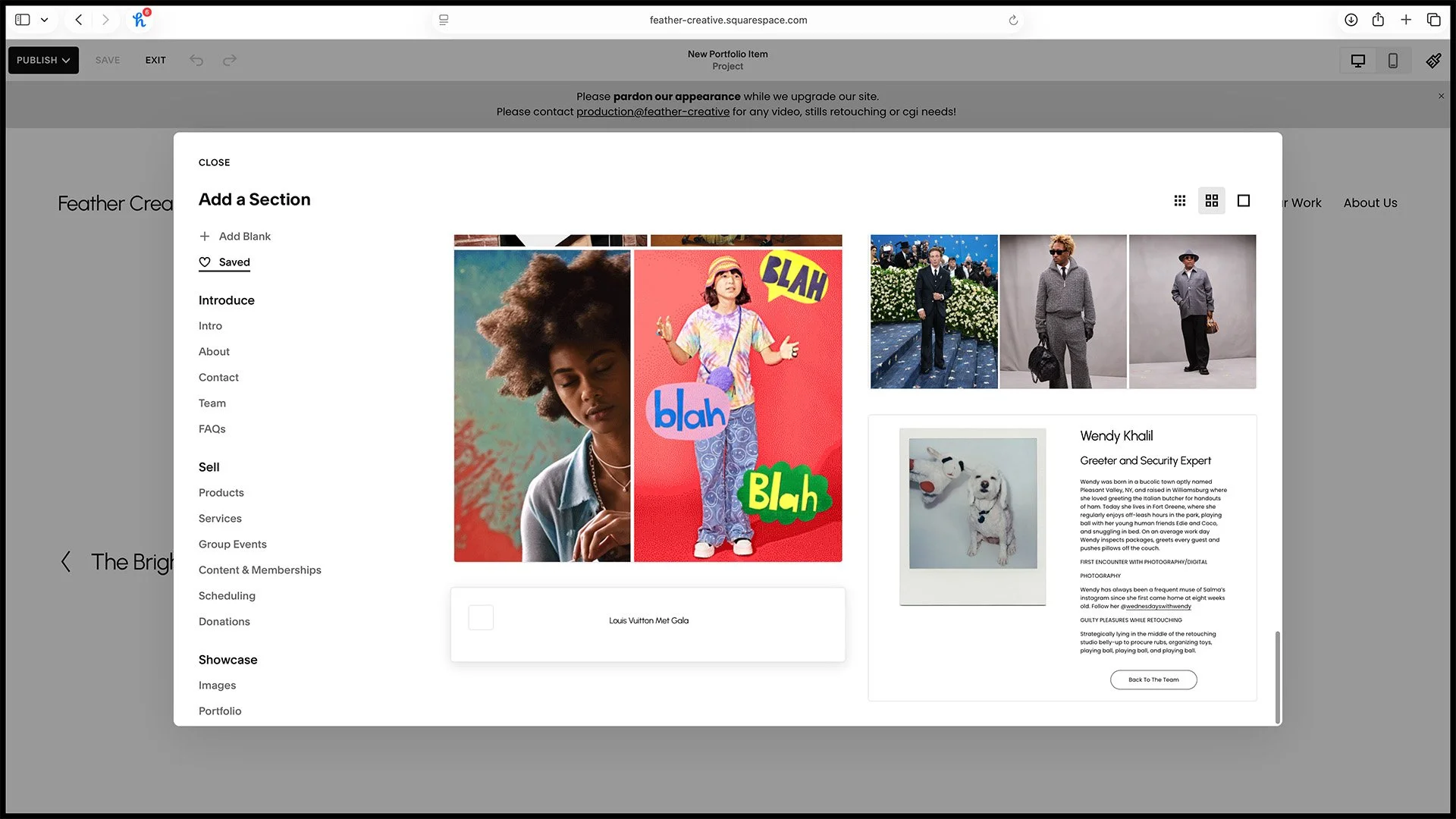
6A. Fill the project from your favorites using a text header section.
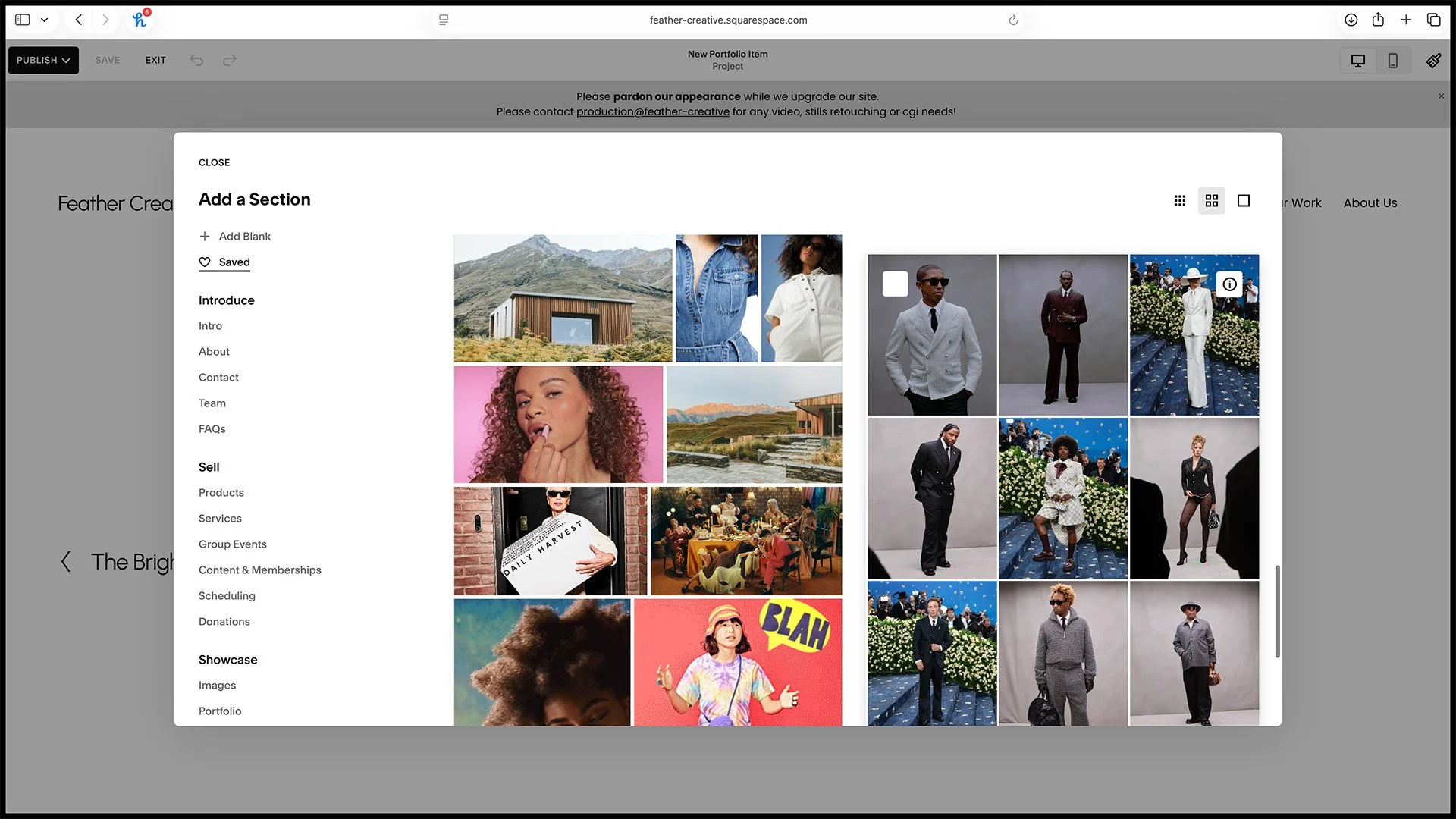
6B. Fill the project from your favorites using a gallery section. Tip: To "copy" a gallery, you can temporarily favorite it, then come here to add it, just be sure to delete that favorited gallery to keep favorites clean.
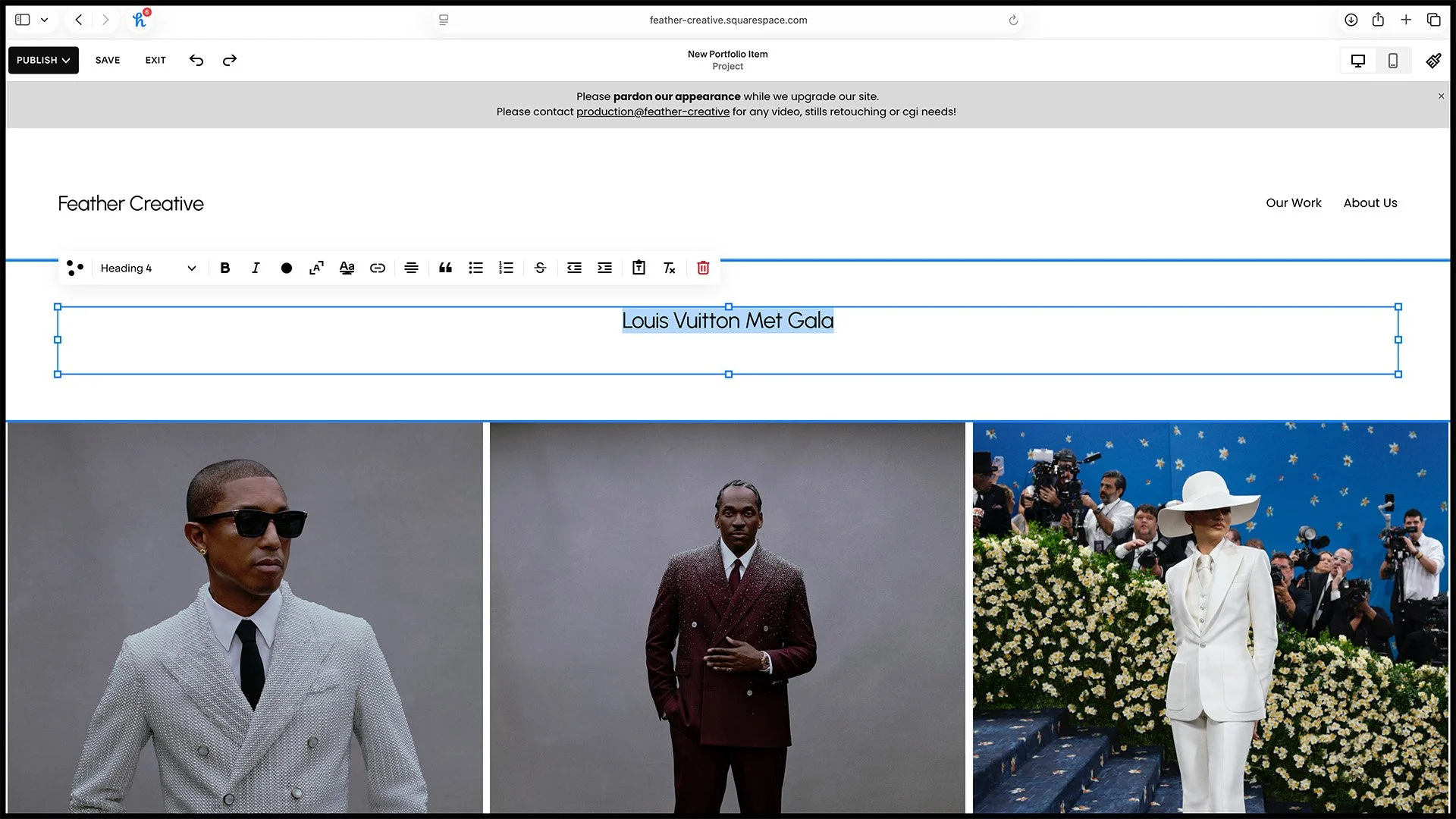
7. Alter the text.
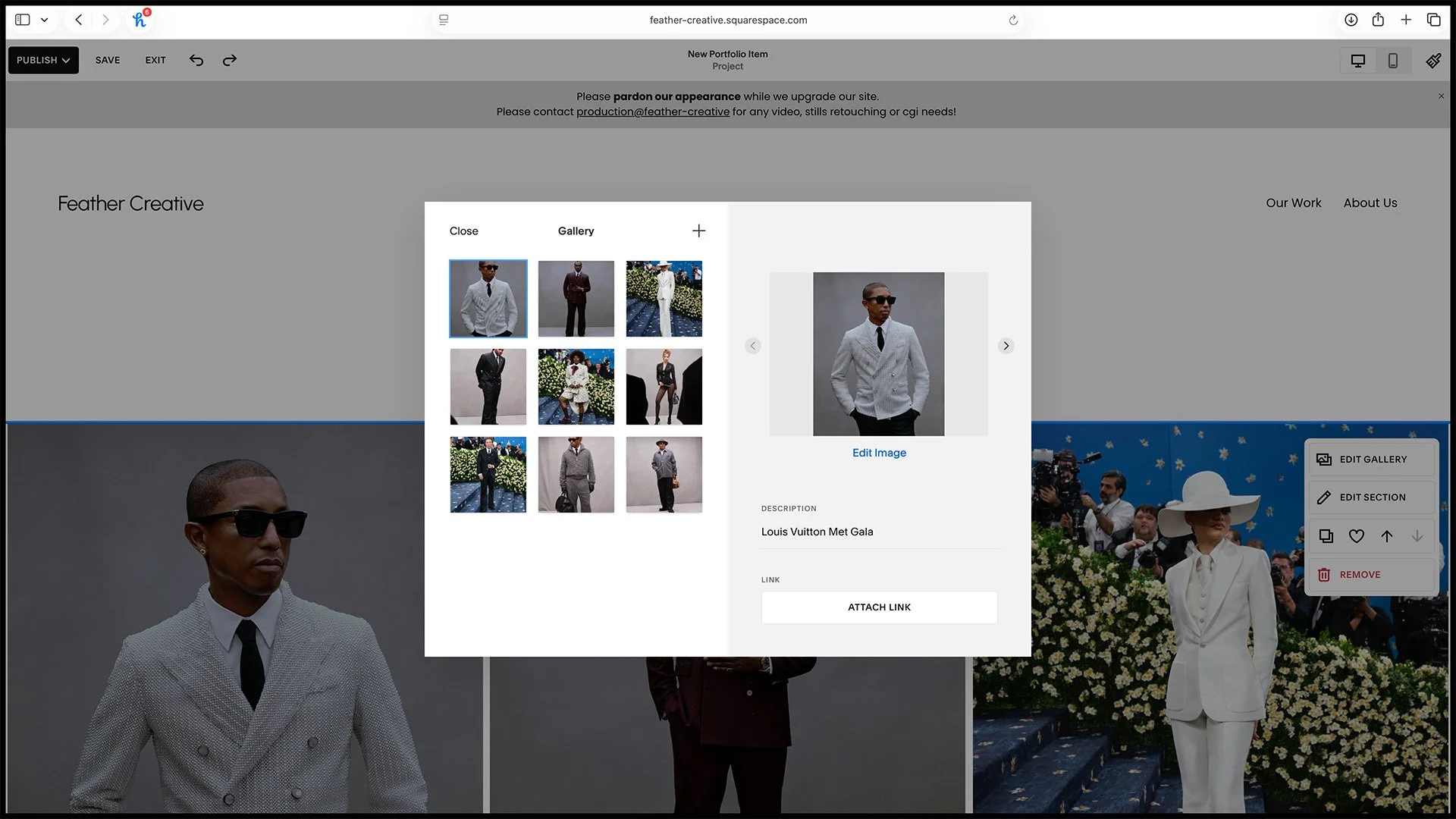
8. Alter the contents of the gallery.
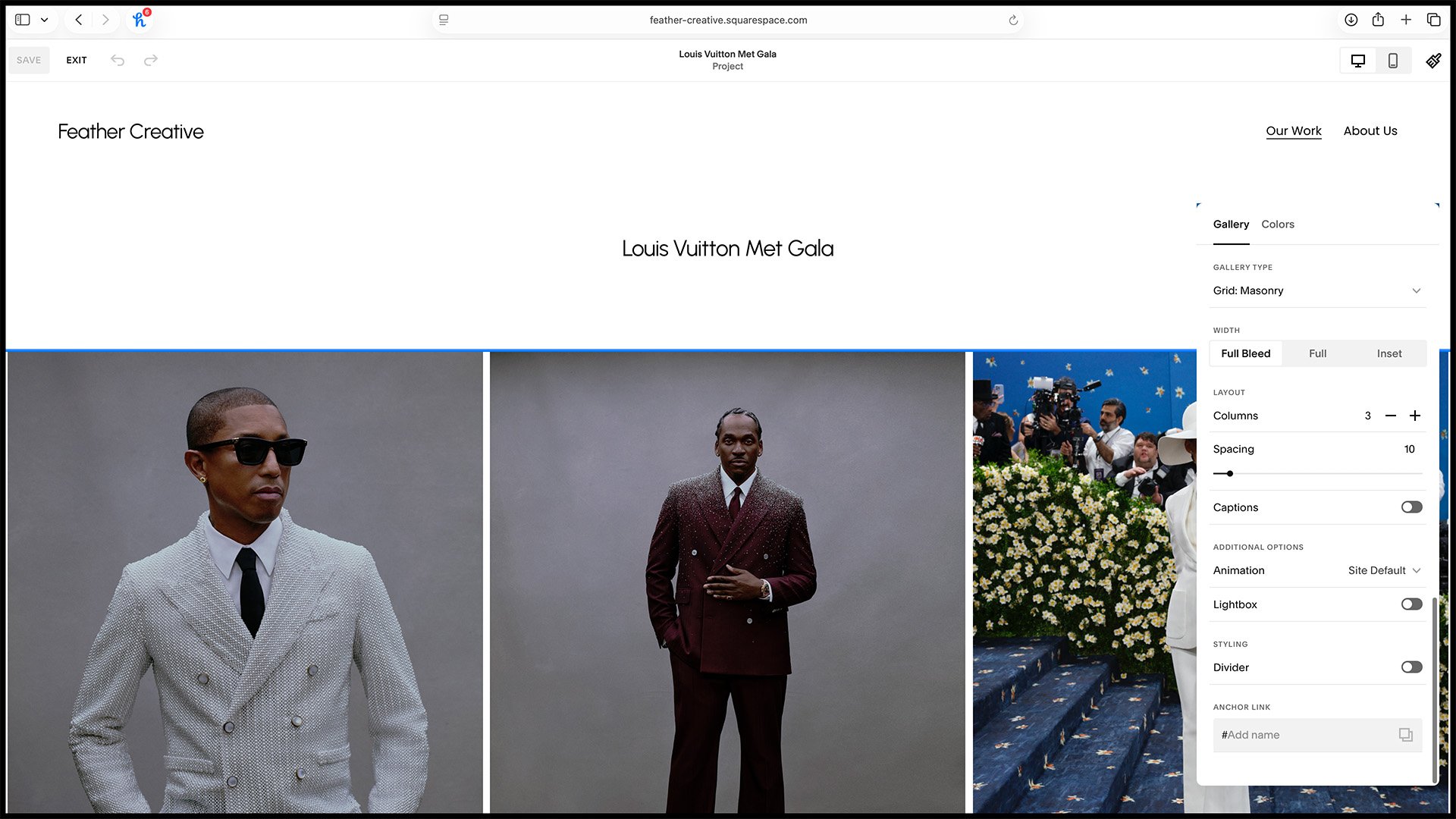
9. Gallery attributes.
Adding A New Portfolio Item (Stills & Video)
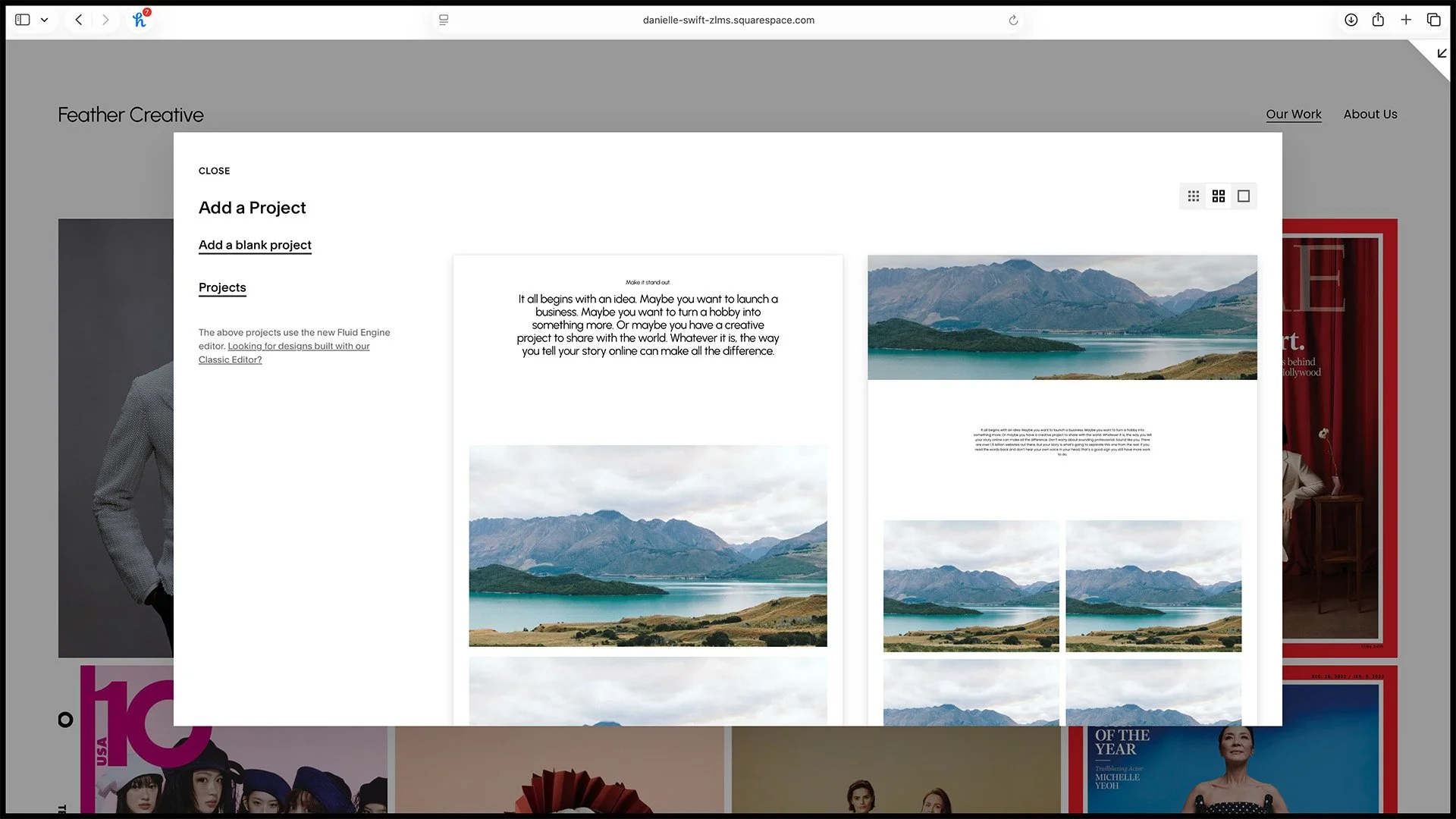
1. Add a new blank project.

2. Set the featured image (the image in grid) and name the page.
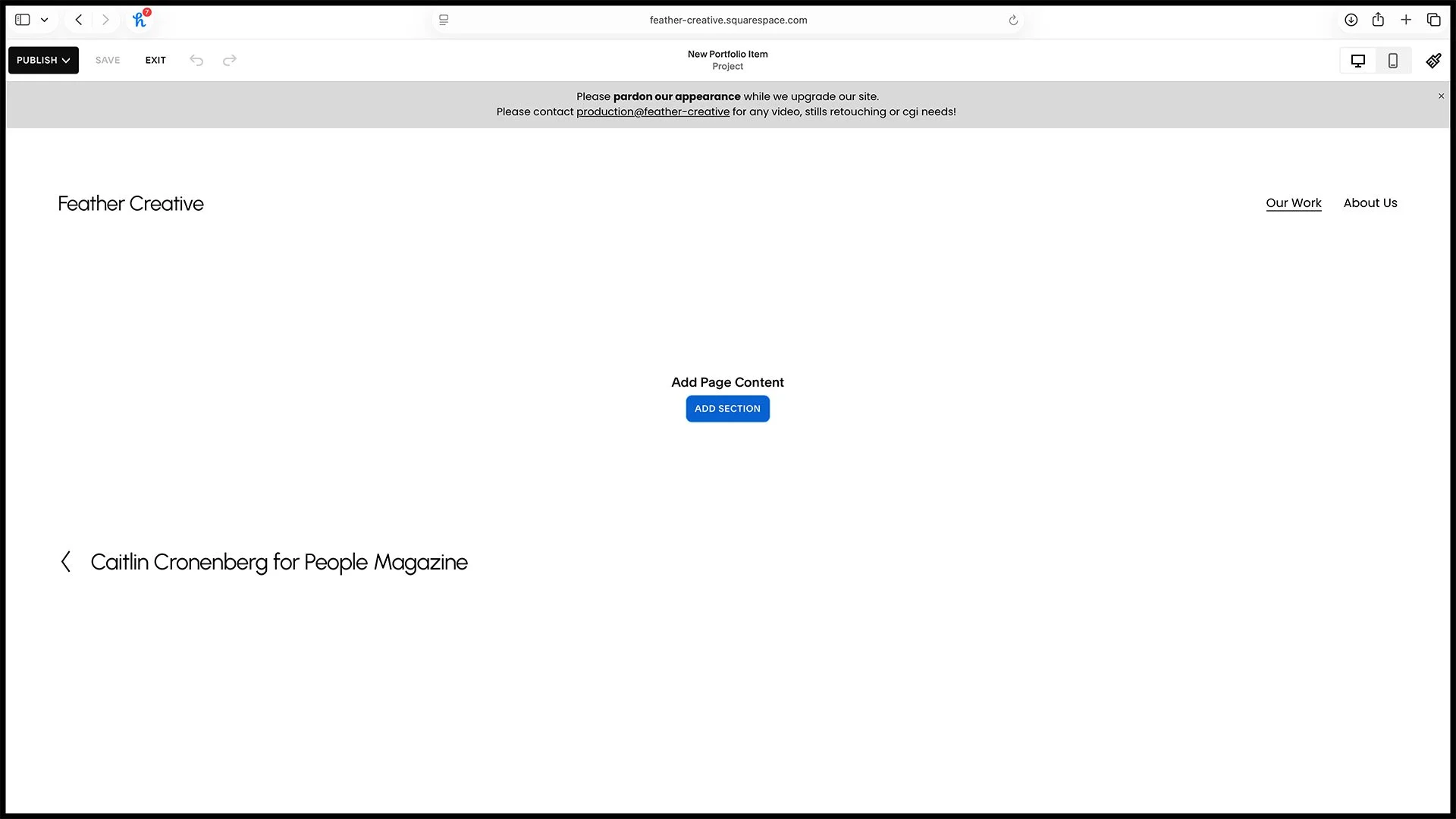
3. Add a new section from the favorites (title and gallery). See step 4+5.
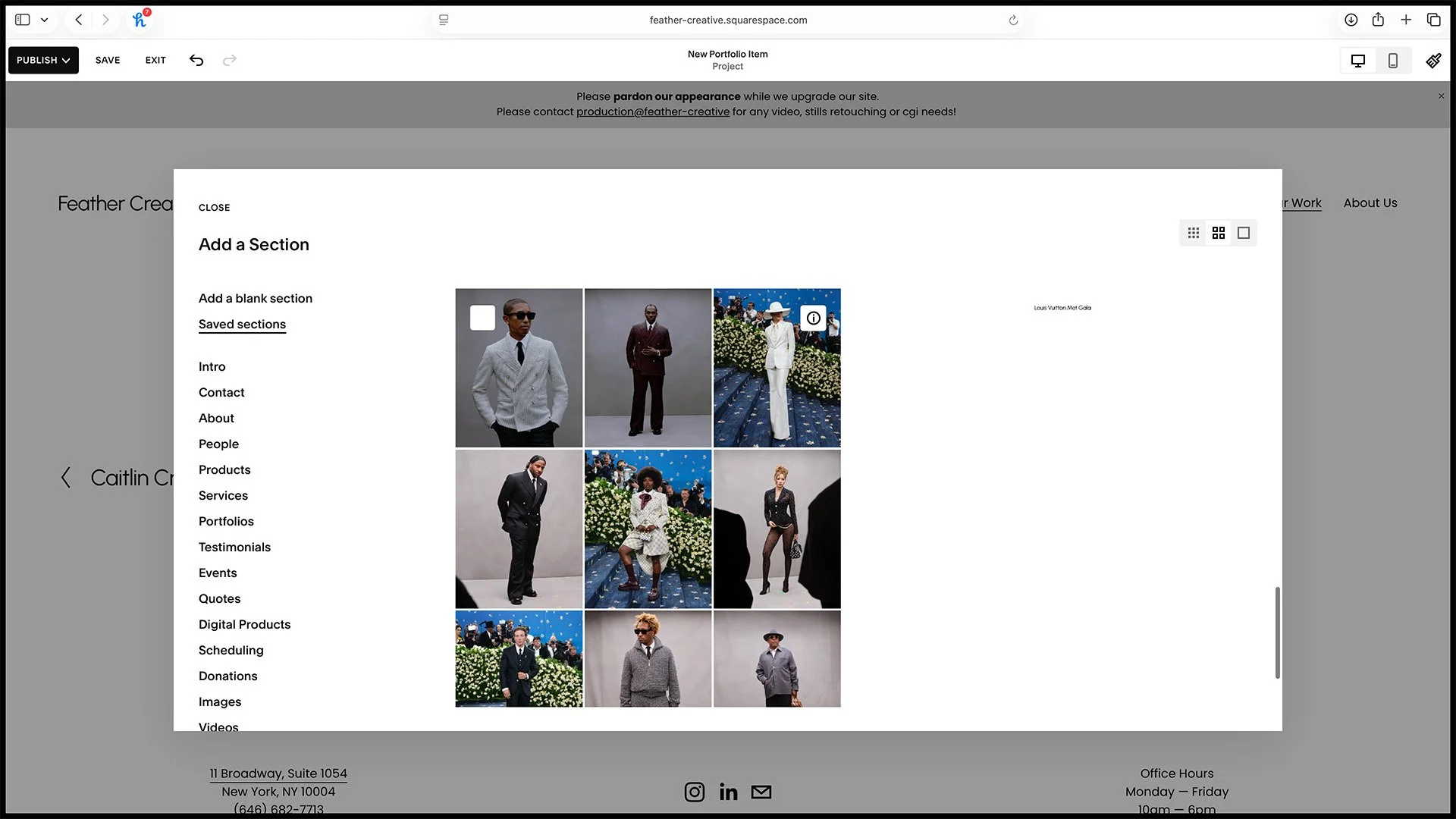
4. Add a new favorited title section.
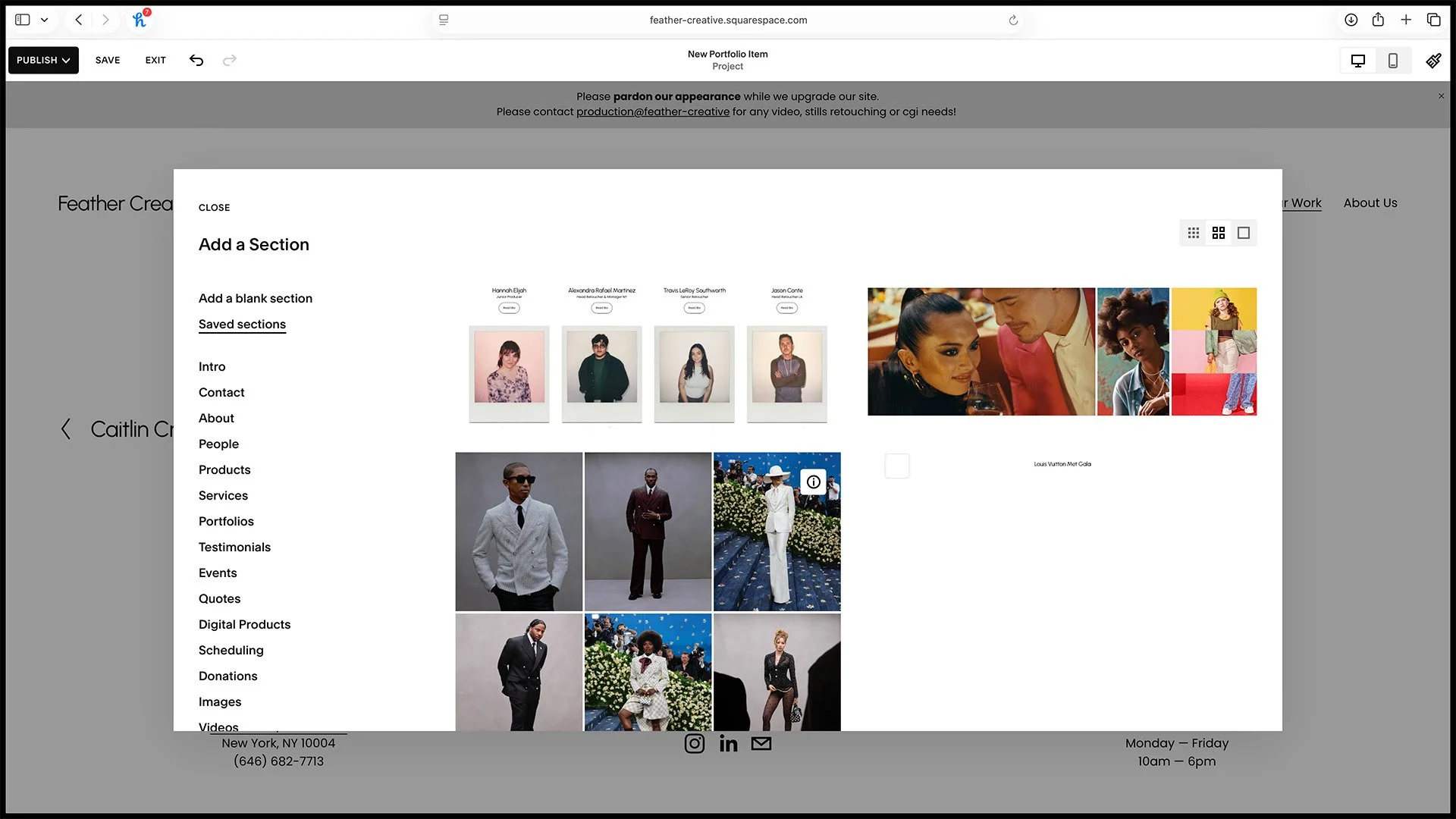
5S. Add a new favorited gallery section (still pictured here).
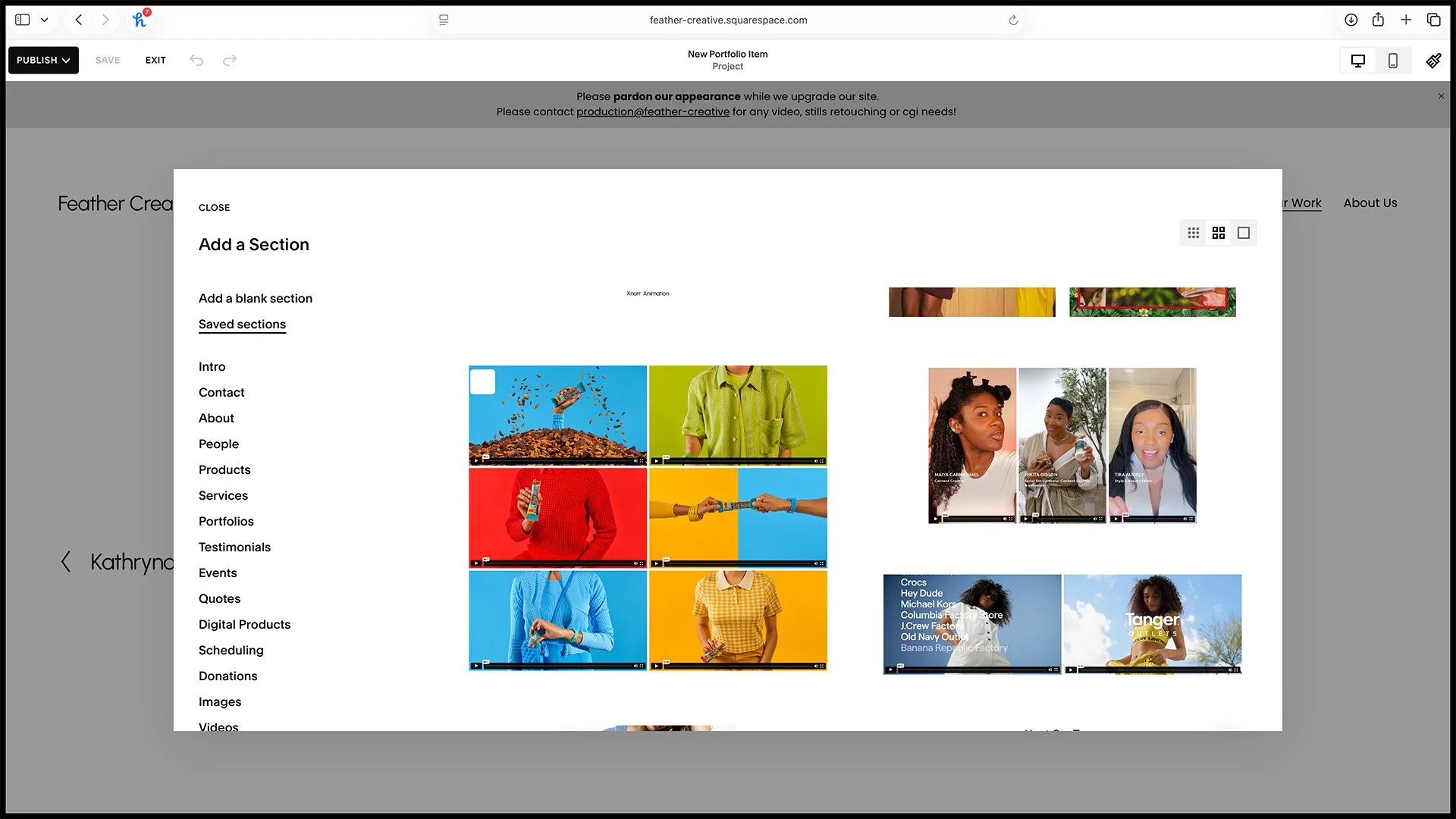
5V. Add a new favorited gallery section (video pictured here).
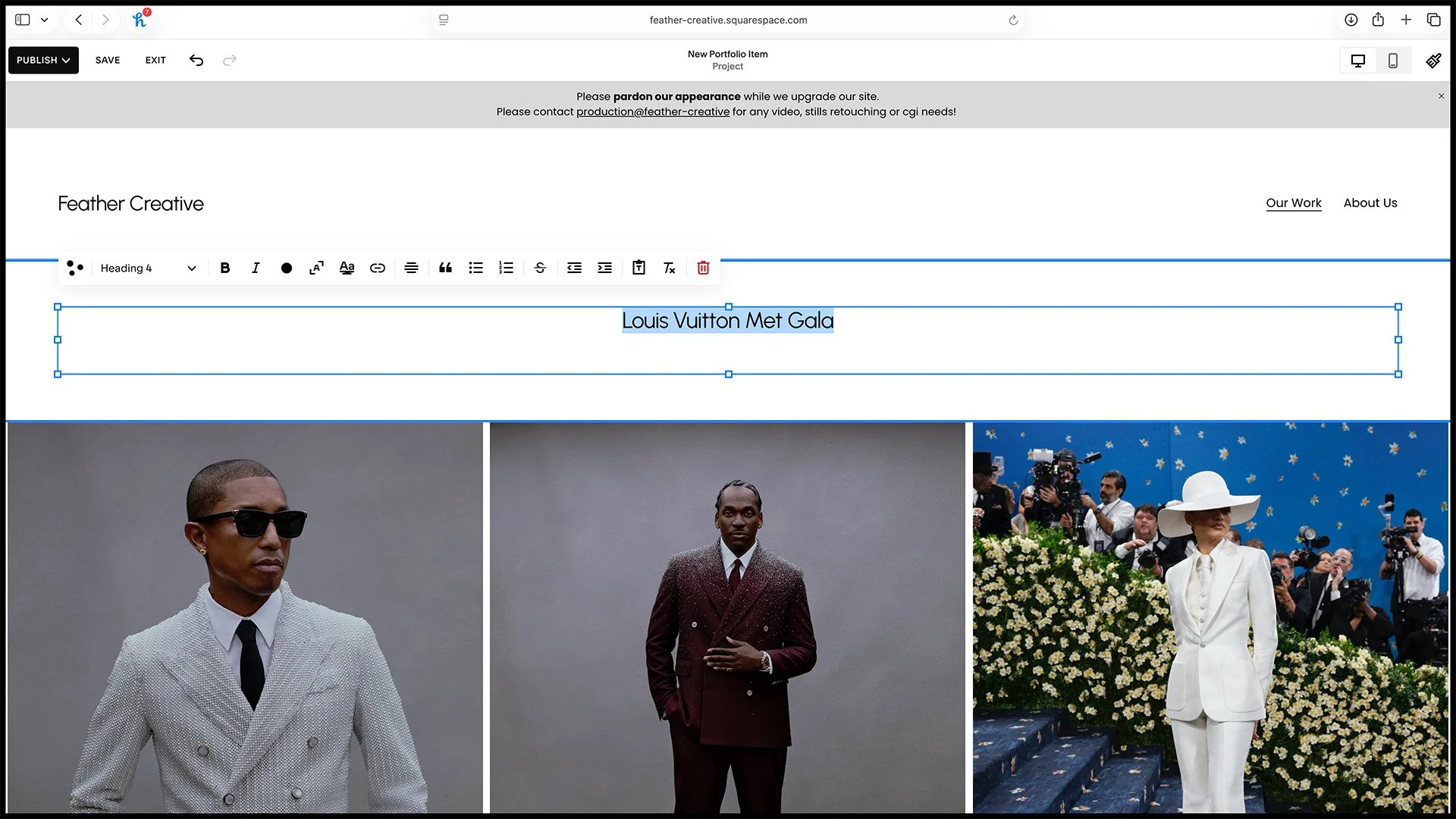
6. Adjust the title.
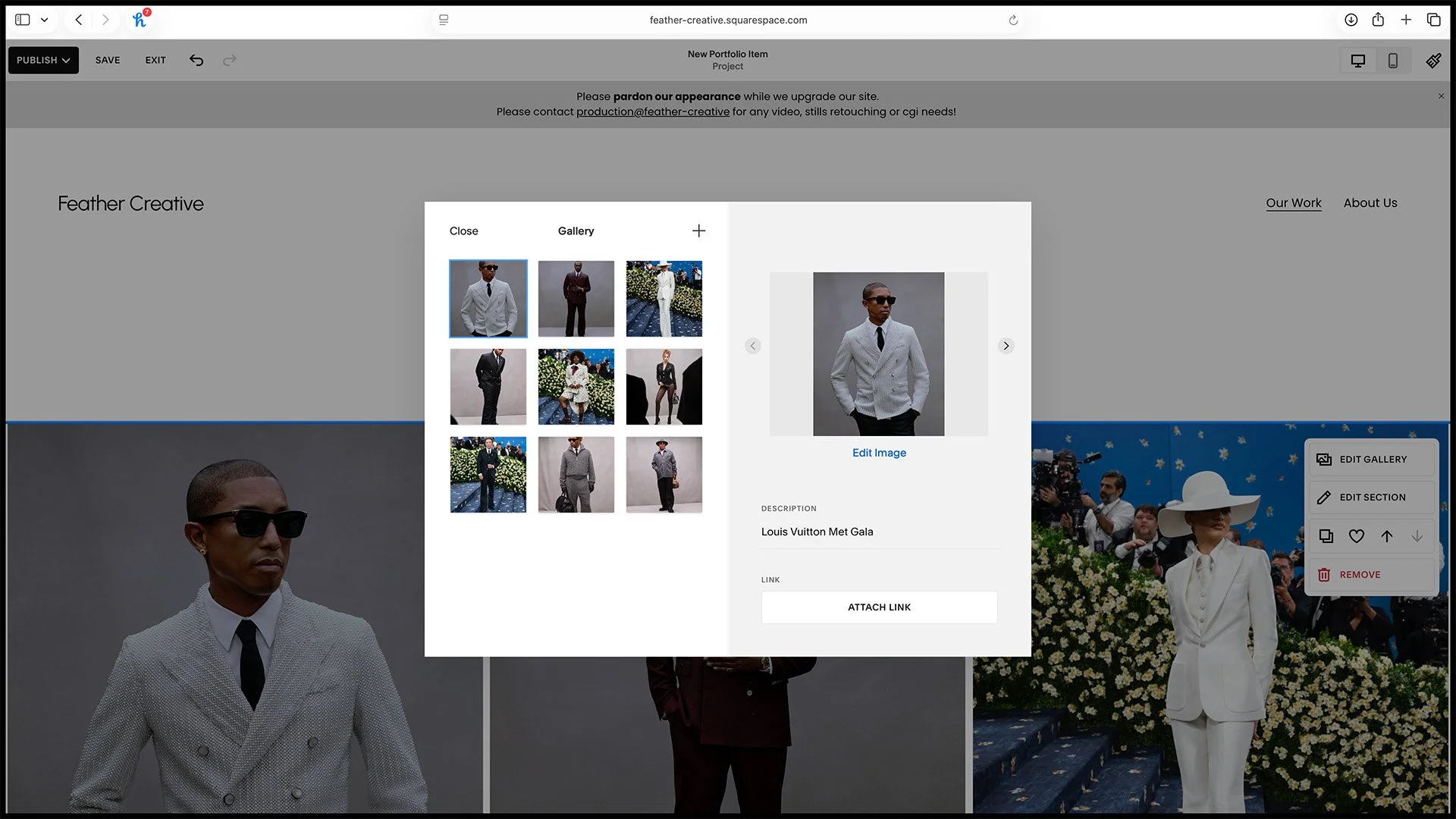
7S. Adjust the gallery content (stills only).
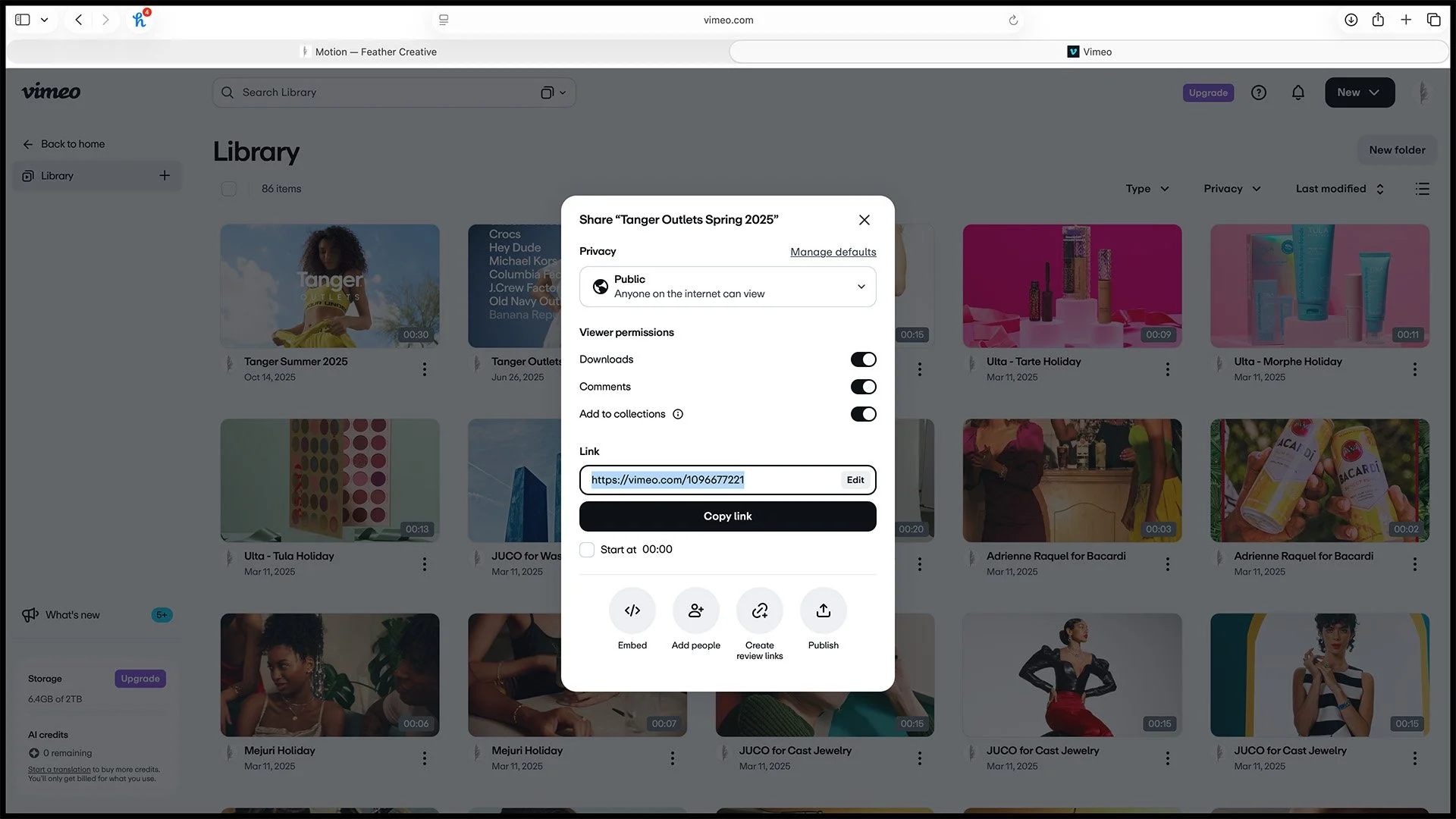
7V. Get Vimeo video link (video only).
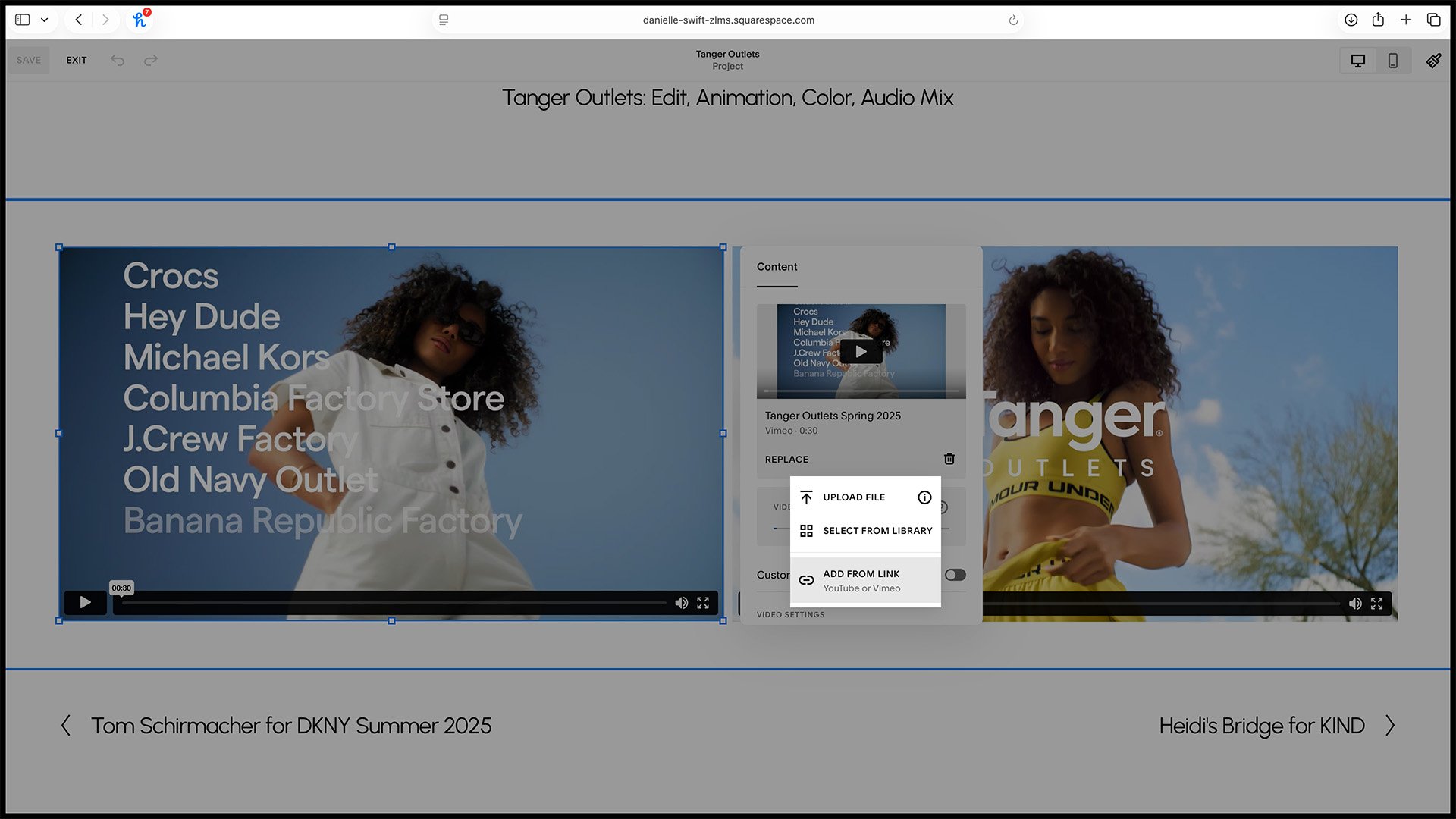
8V. Swap video (video only).
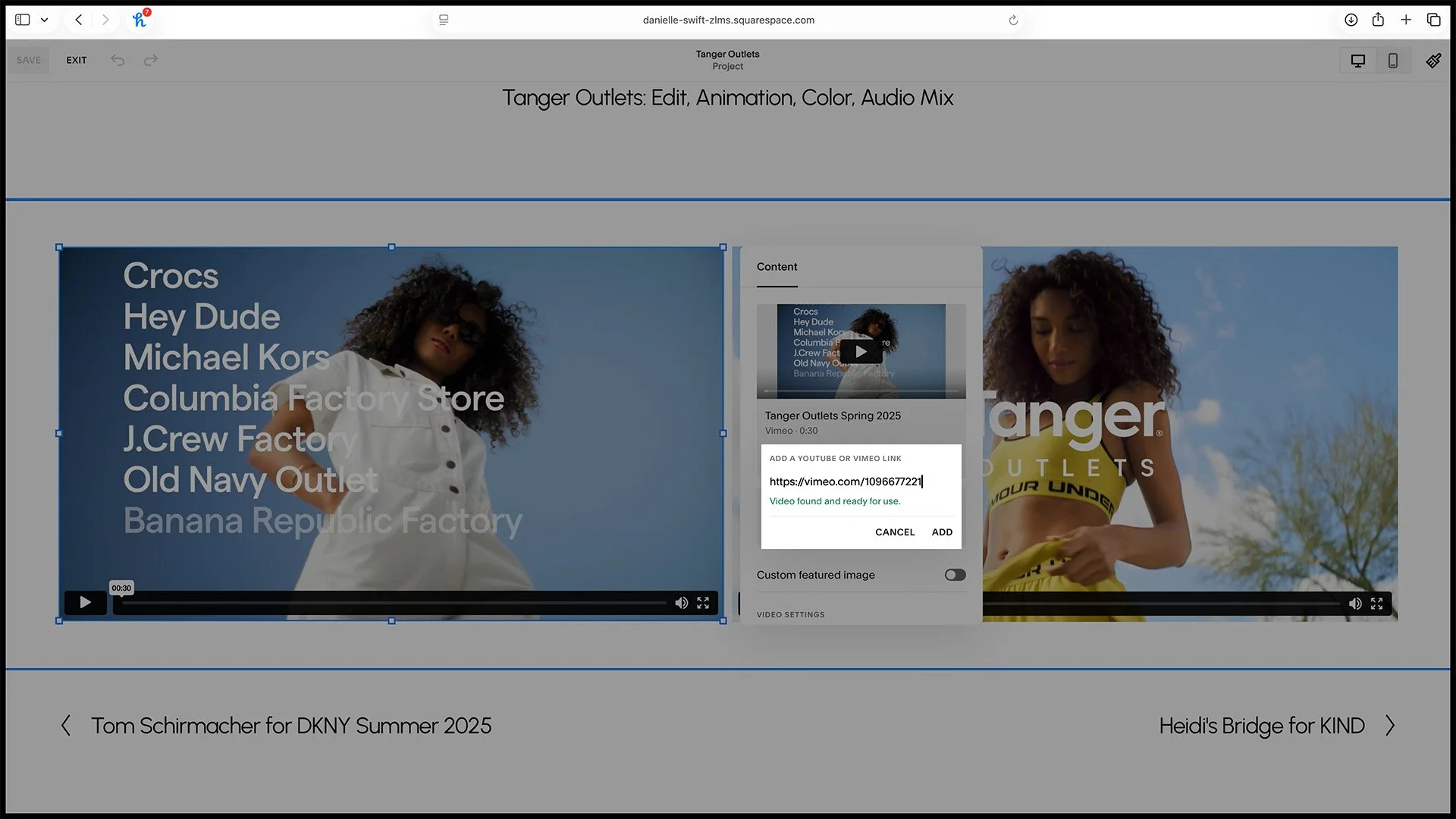
8V. It turns green when the link is confirmed (video only).
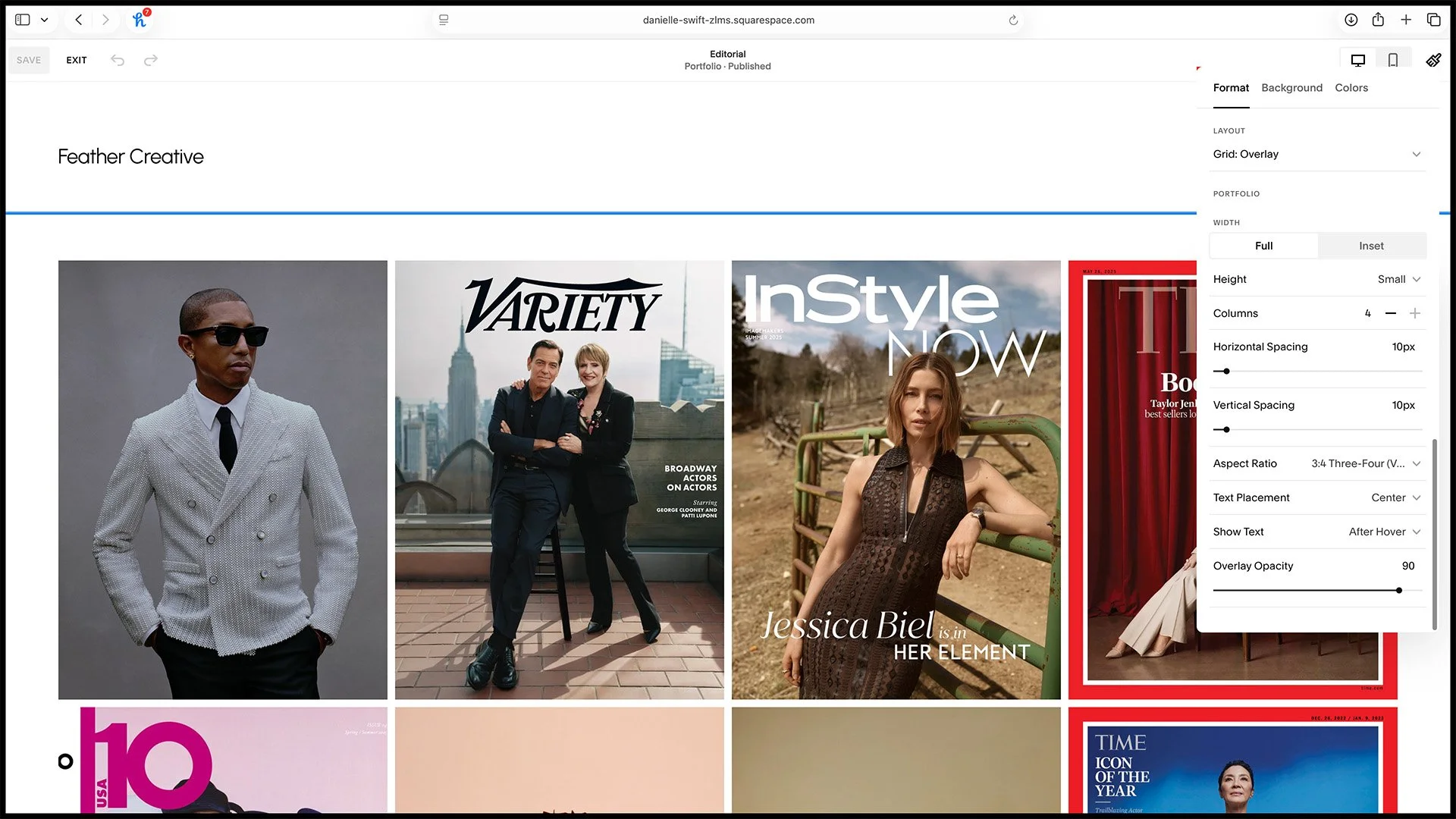
9A. Portfolio settings (no need to adjust, reference only).
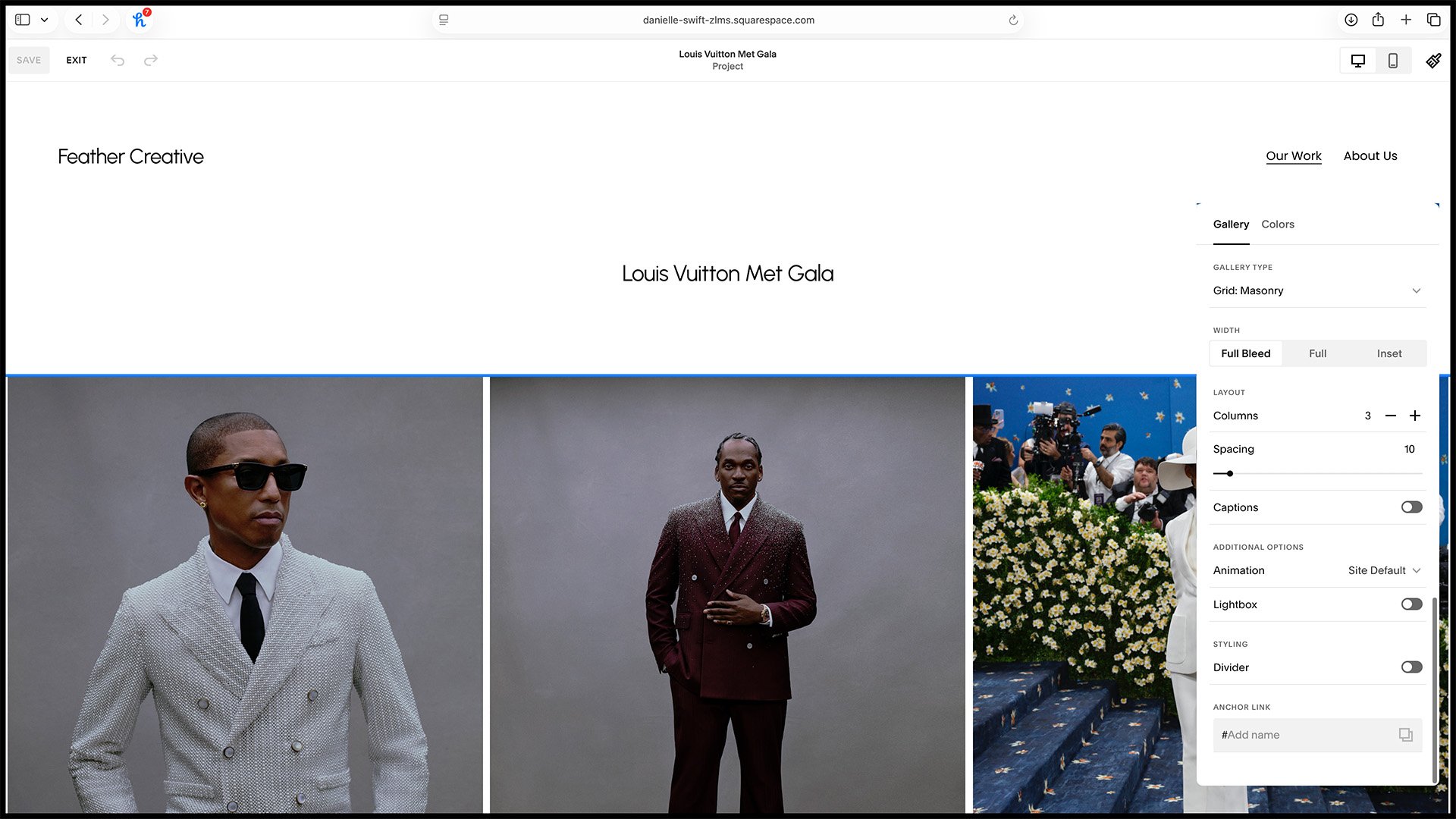
9B. Gallery grid settings (no need to adjust, reference only).
Meet Our Team
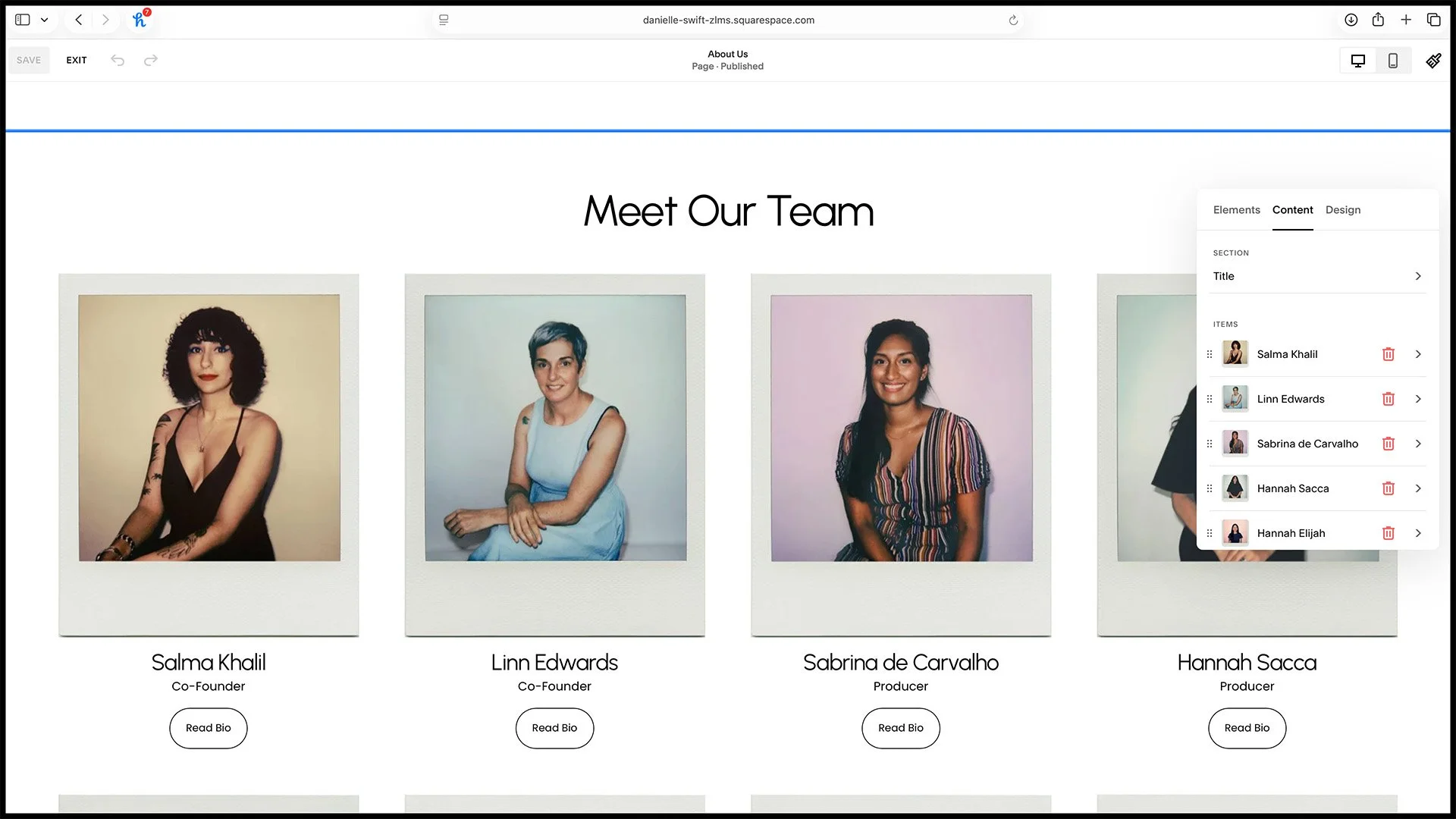
1. List of people.
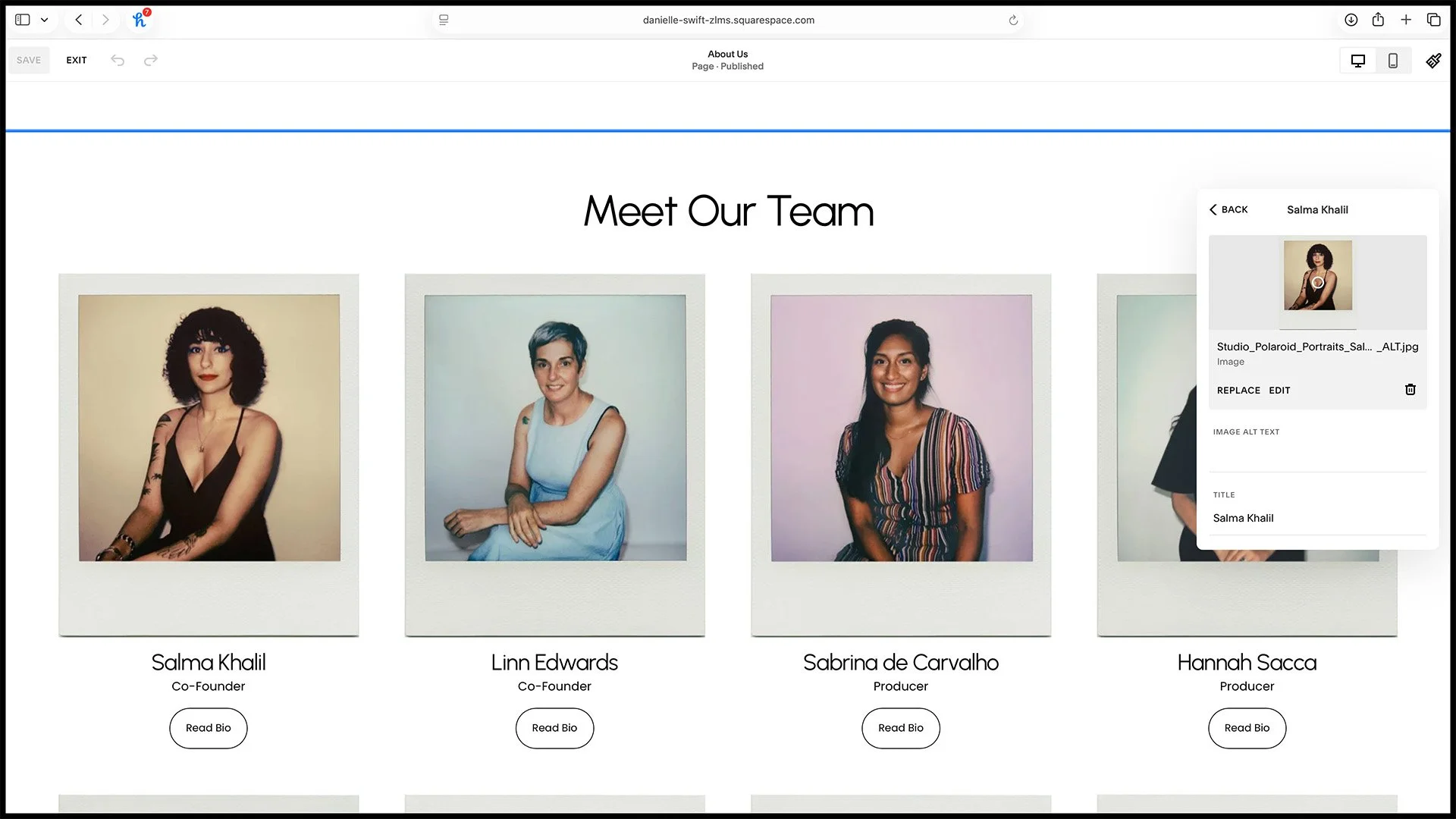
2. Person's details.
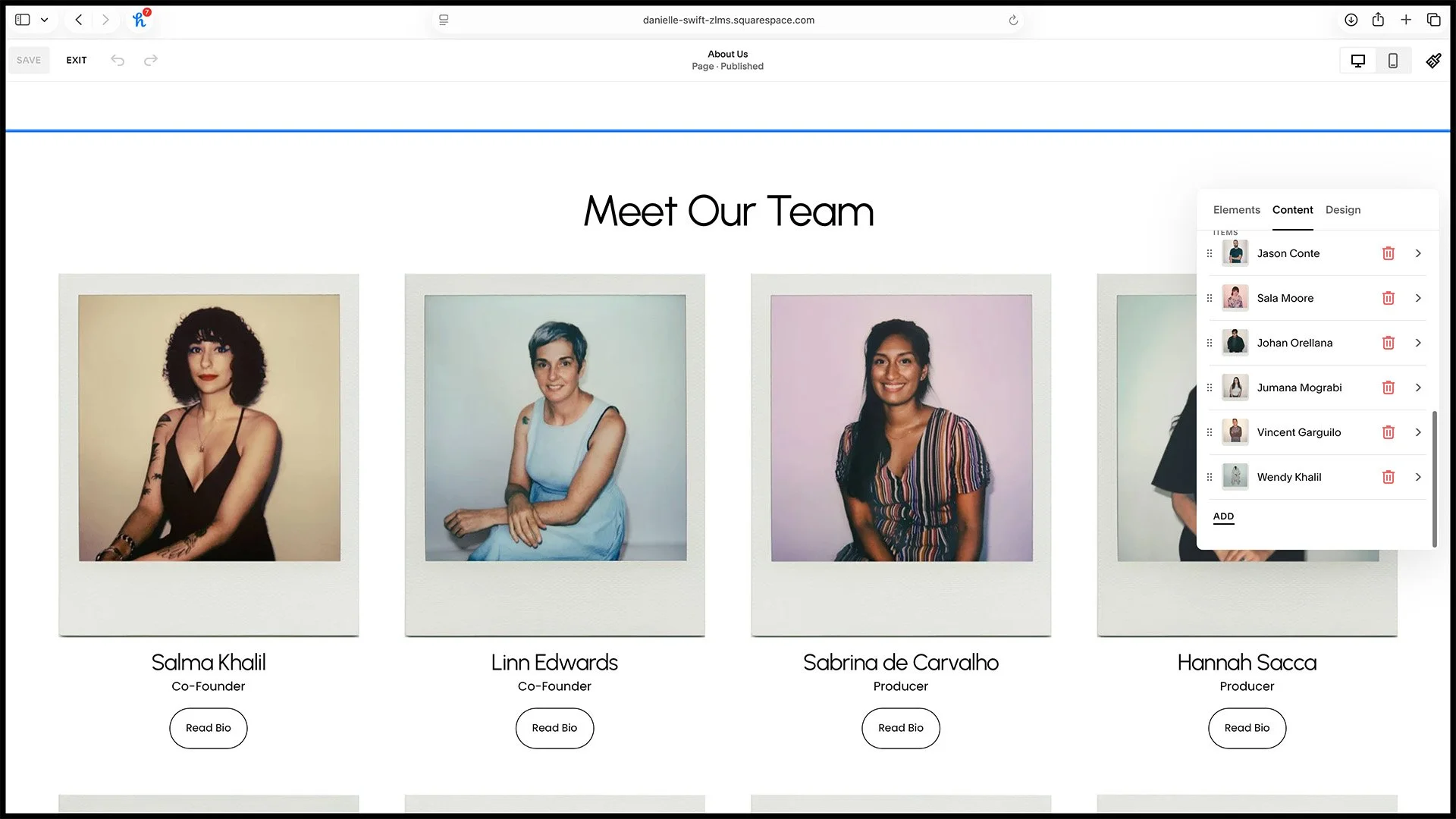
3. Add a new person.
Services Update
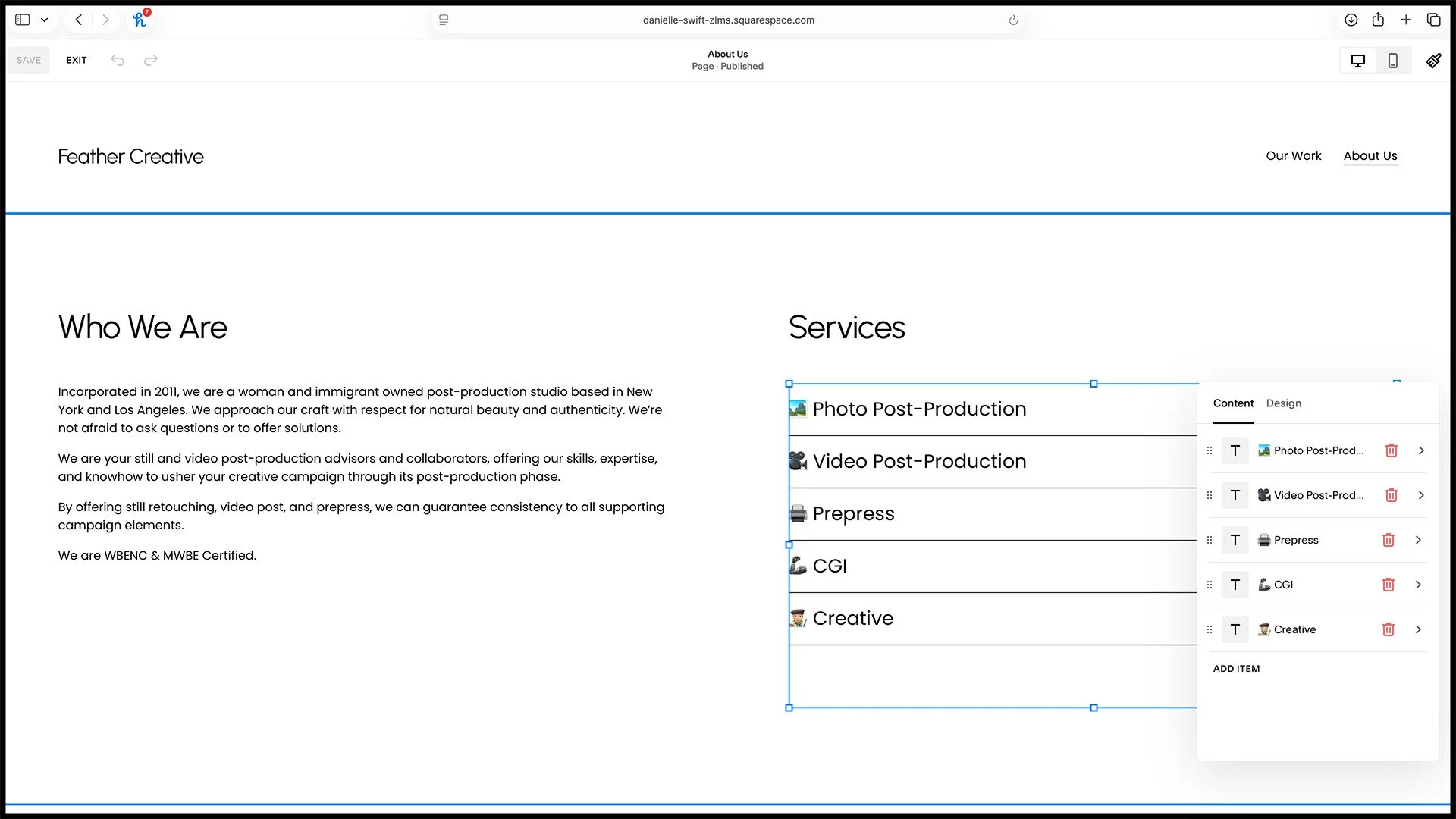
1. Adjust or add any new services.

2. Use Control Command Space for the emoji keyboard.
Set As Homepage
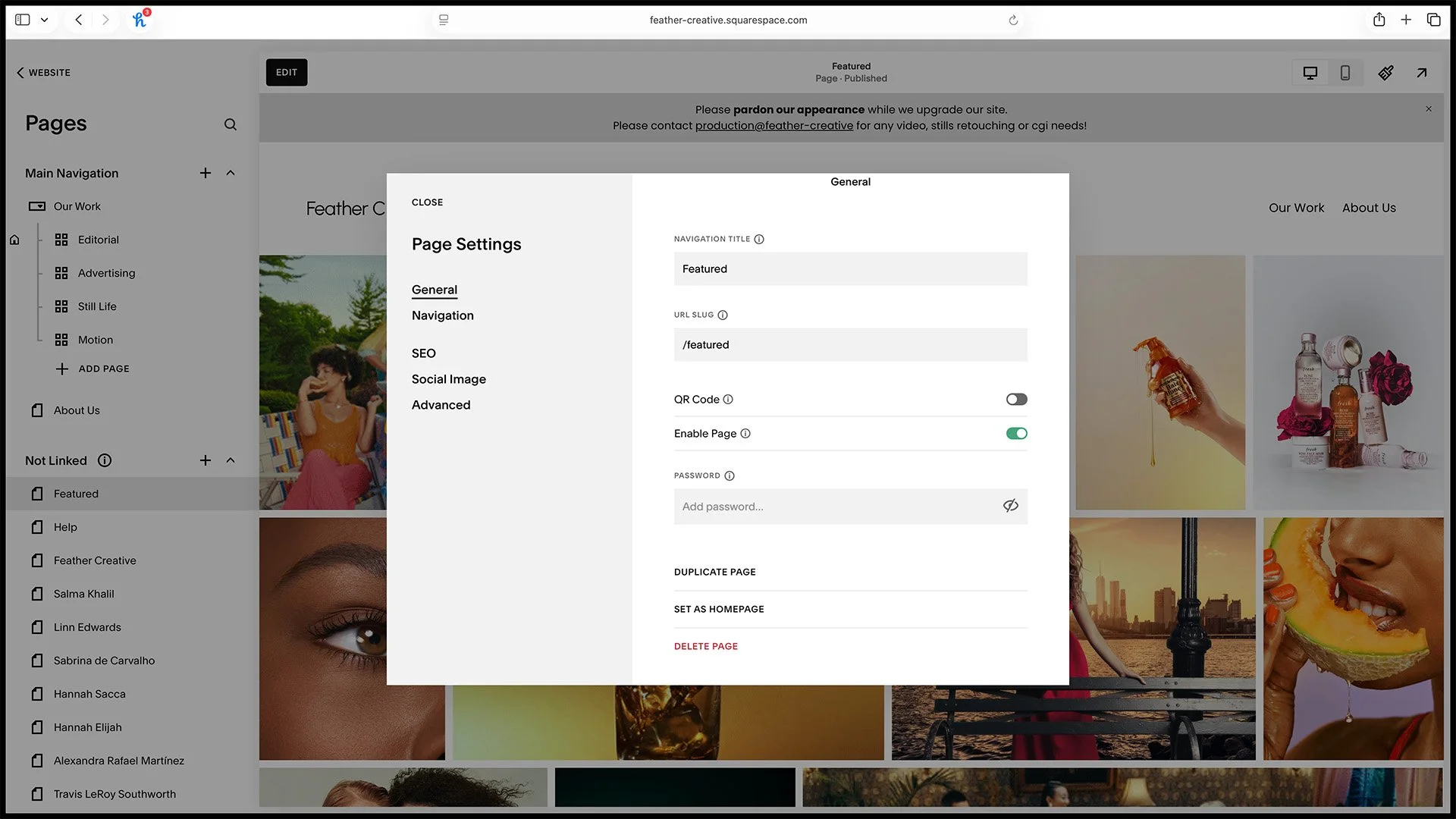
1. Click the cog icon on the page you want to set as homepage.
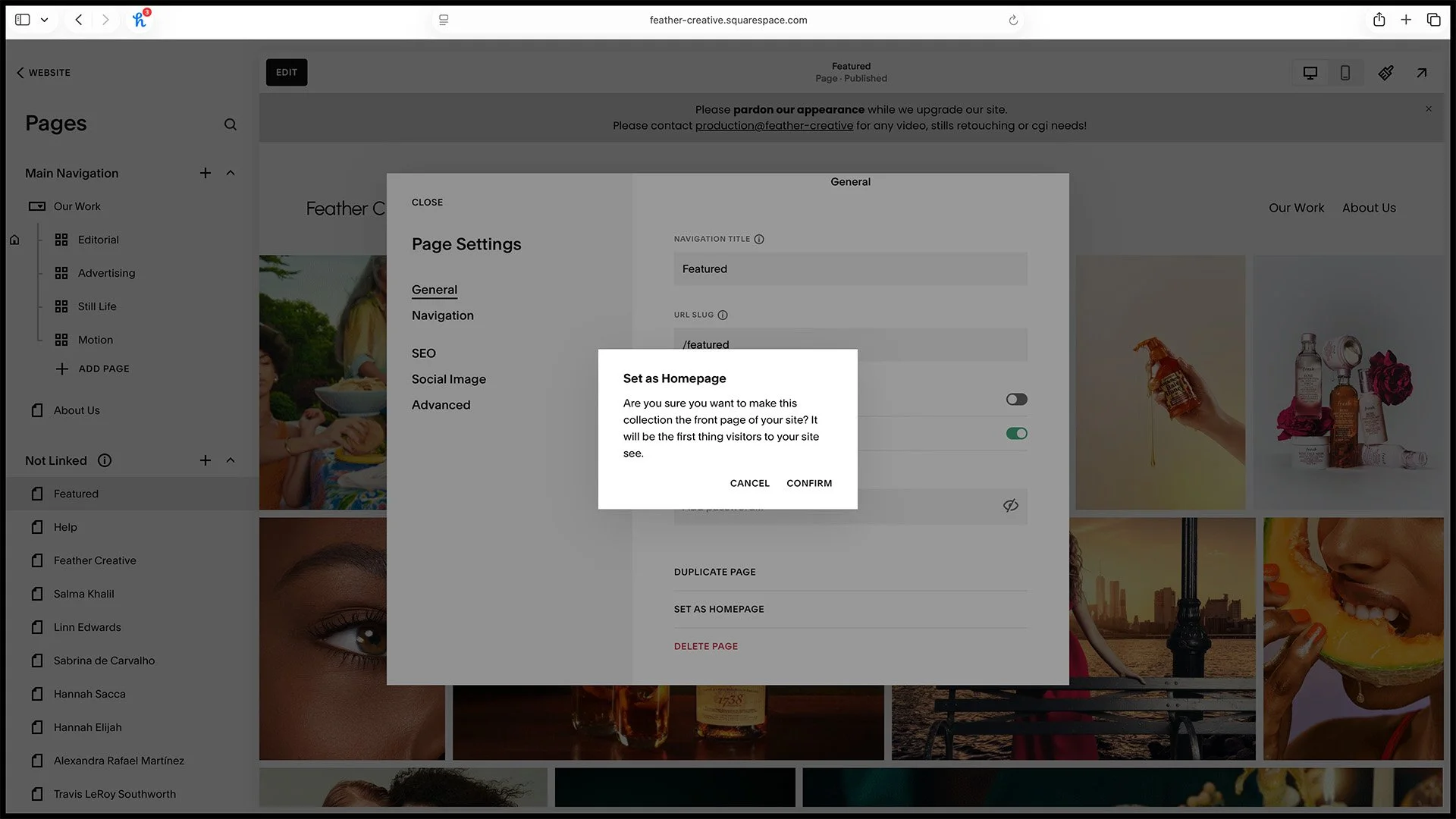
2. Confirm. This is now your homepage. Note that this page can still be hidden from the navigation.